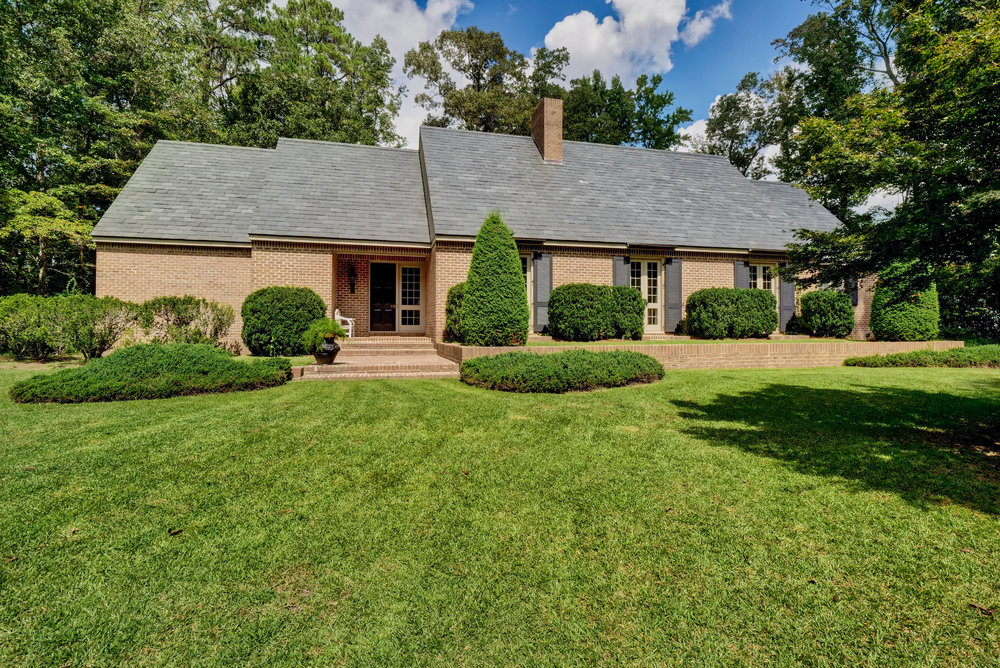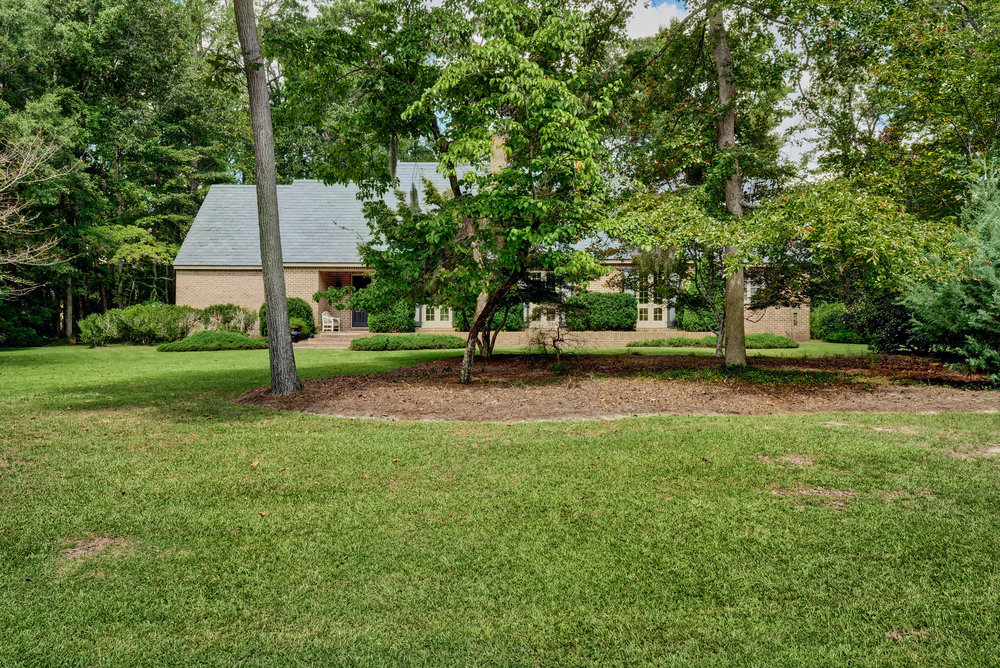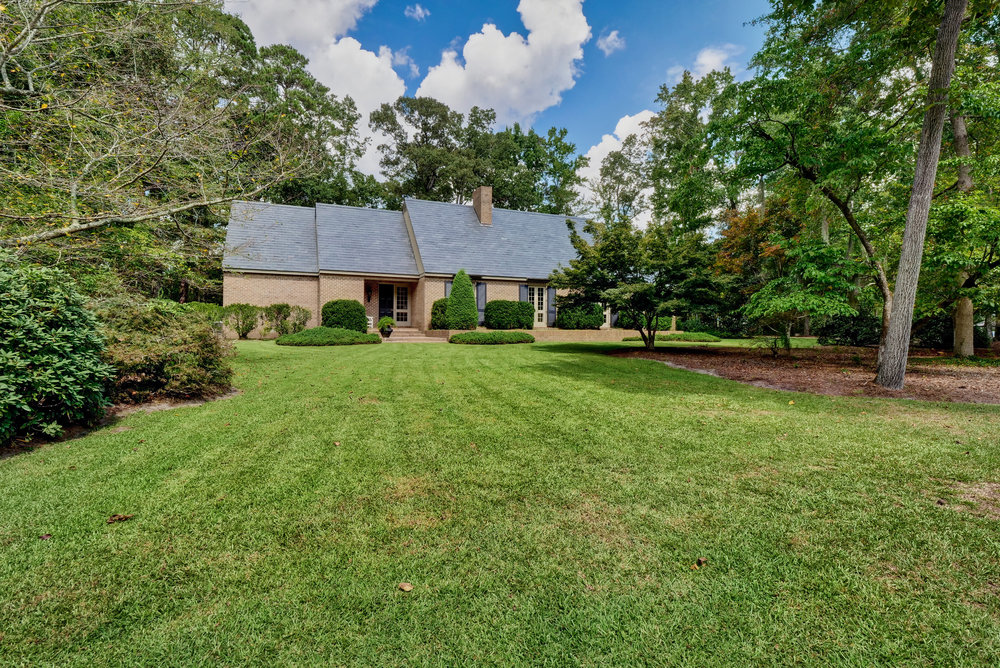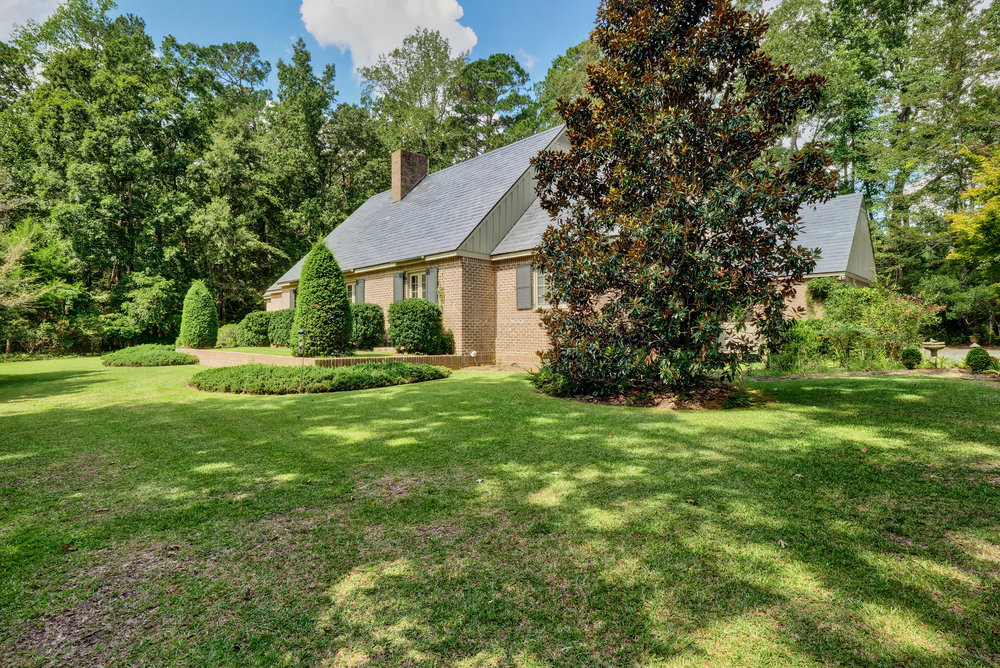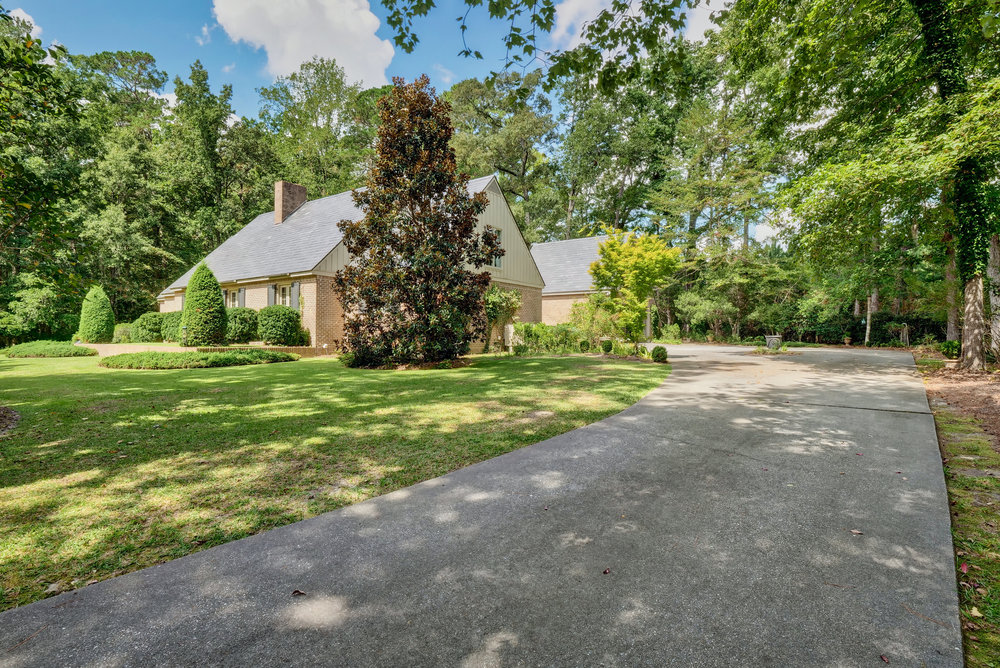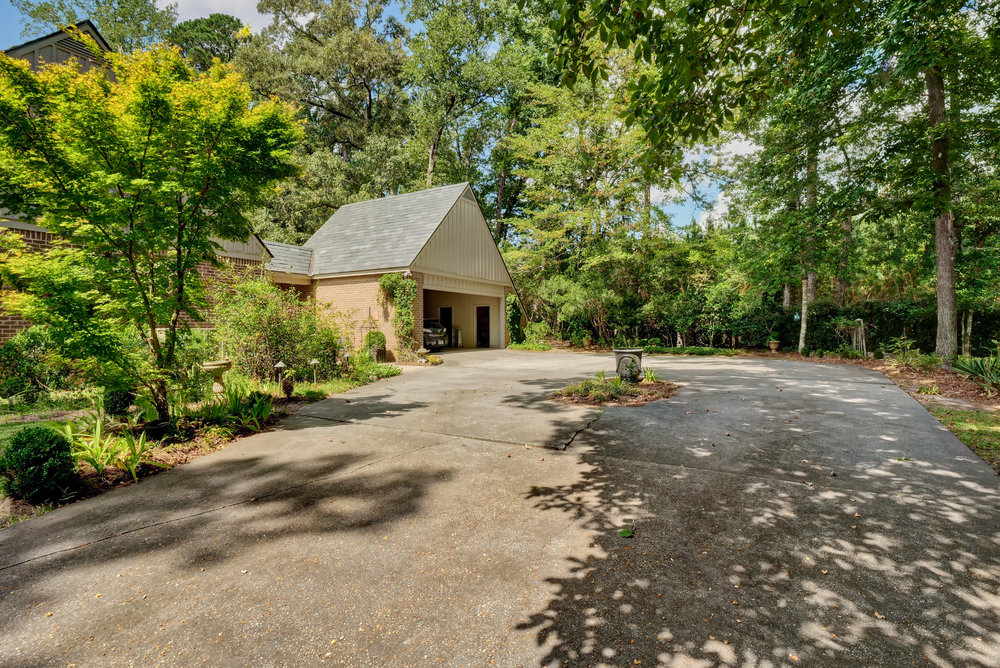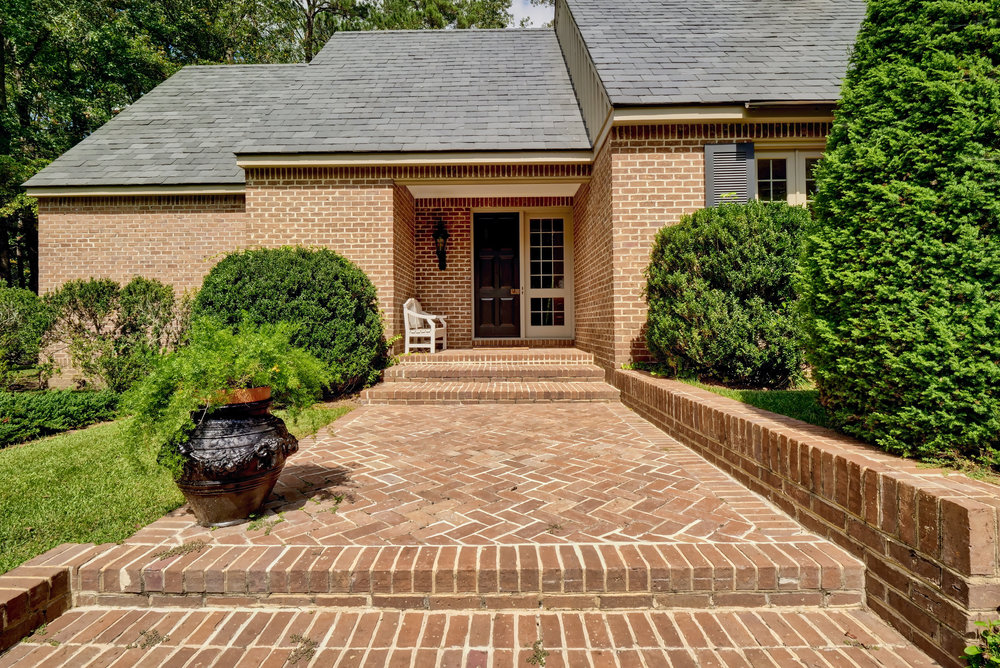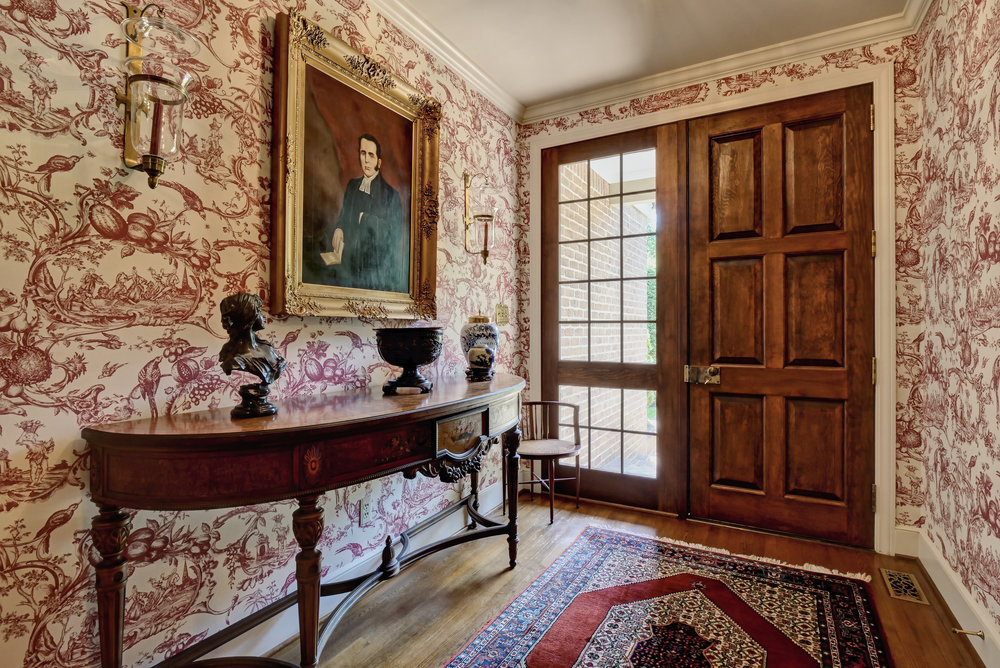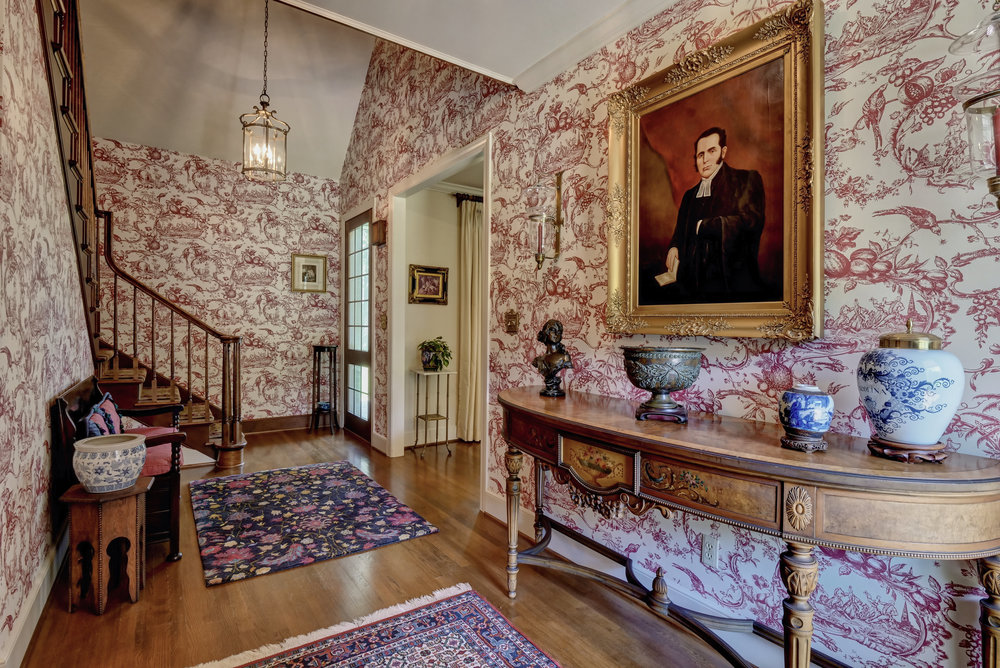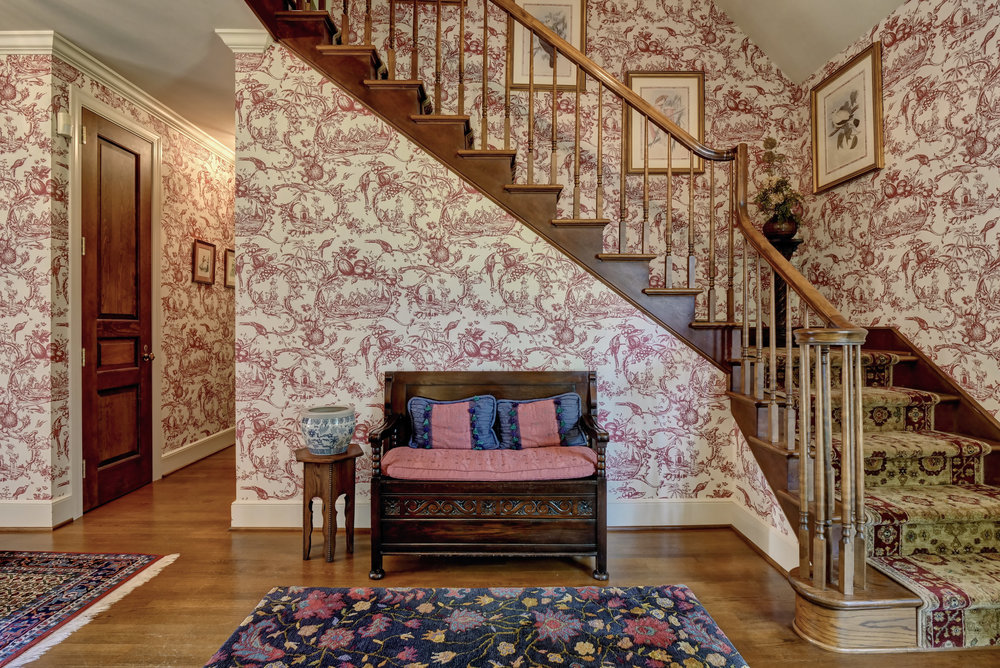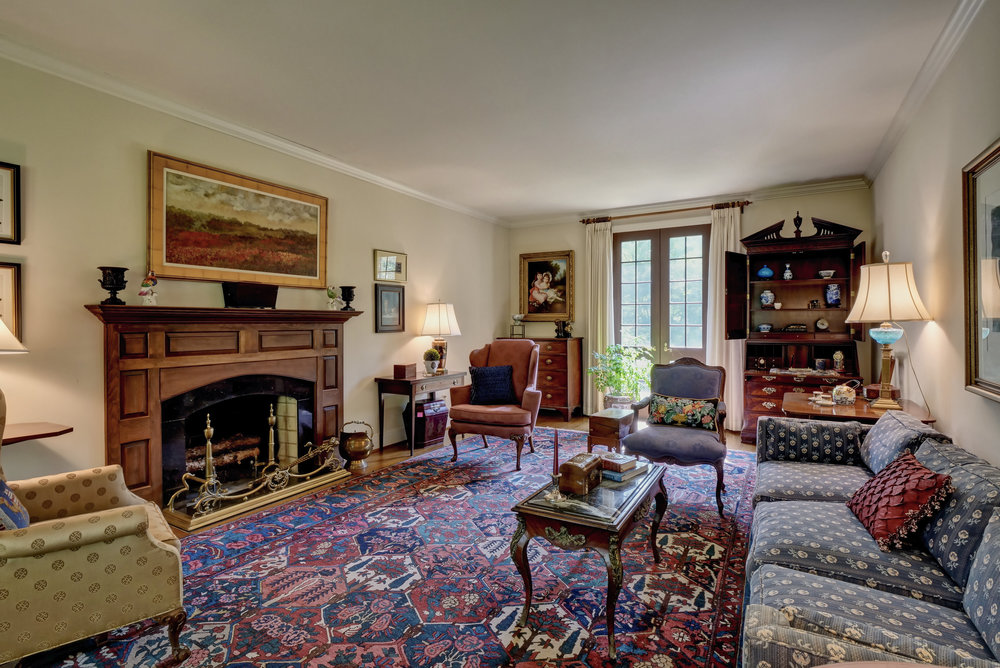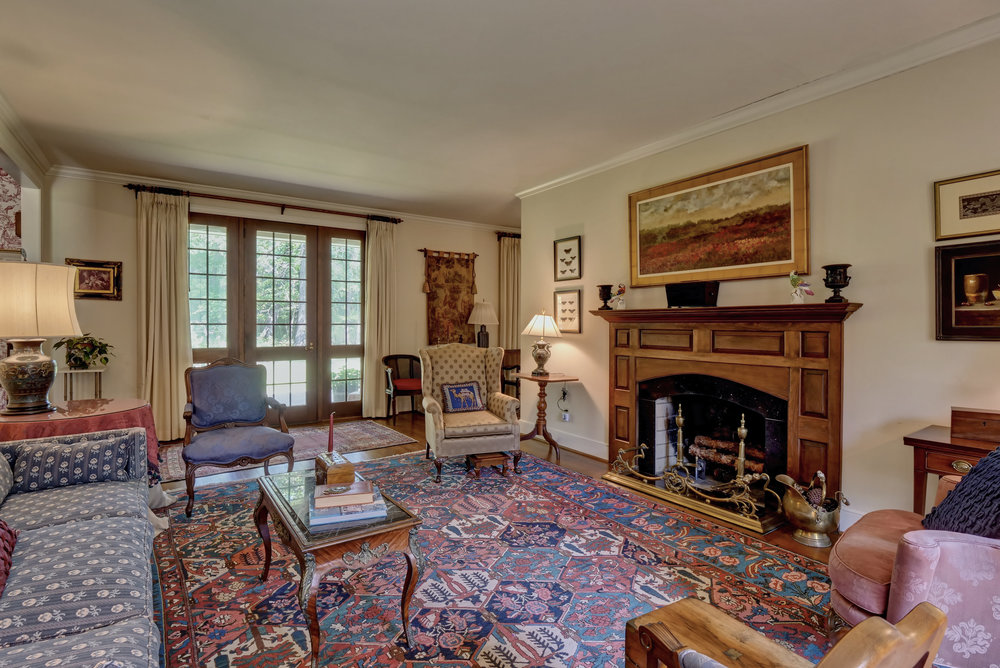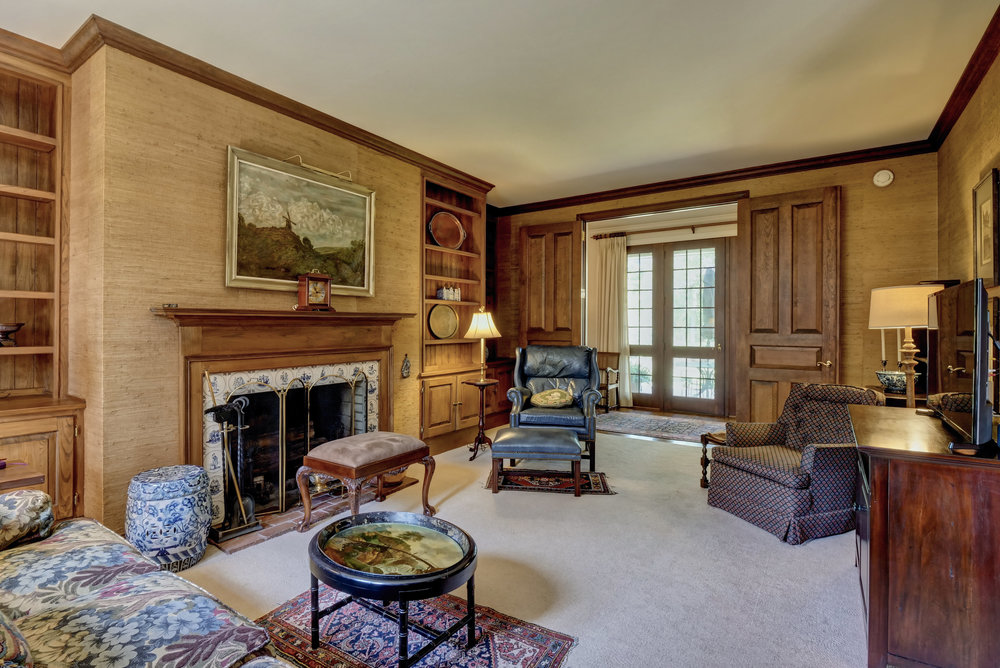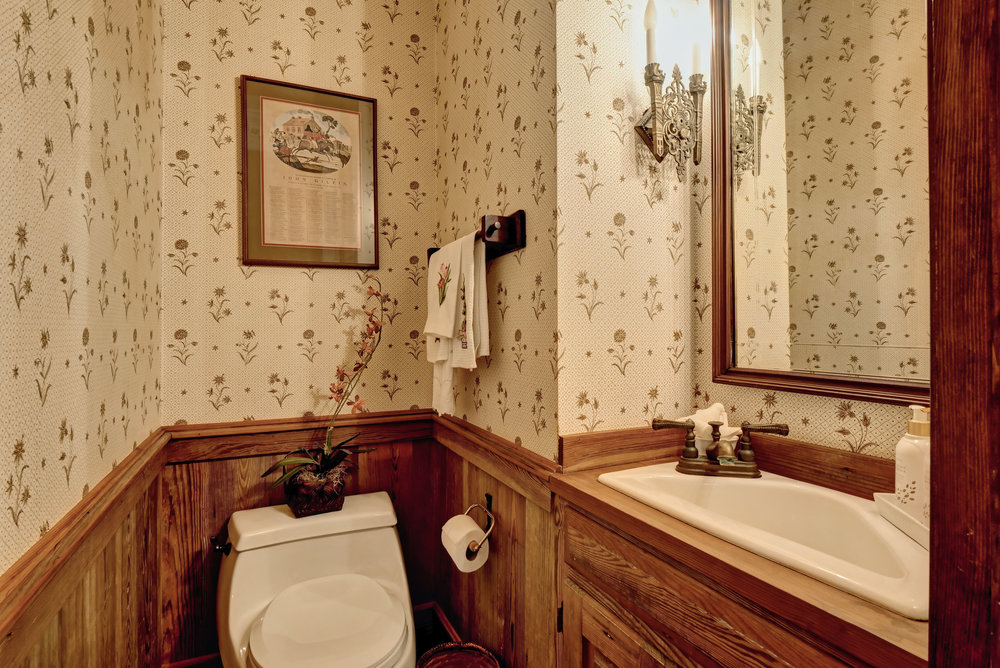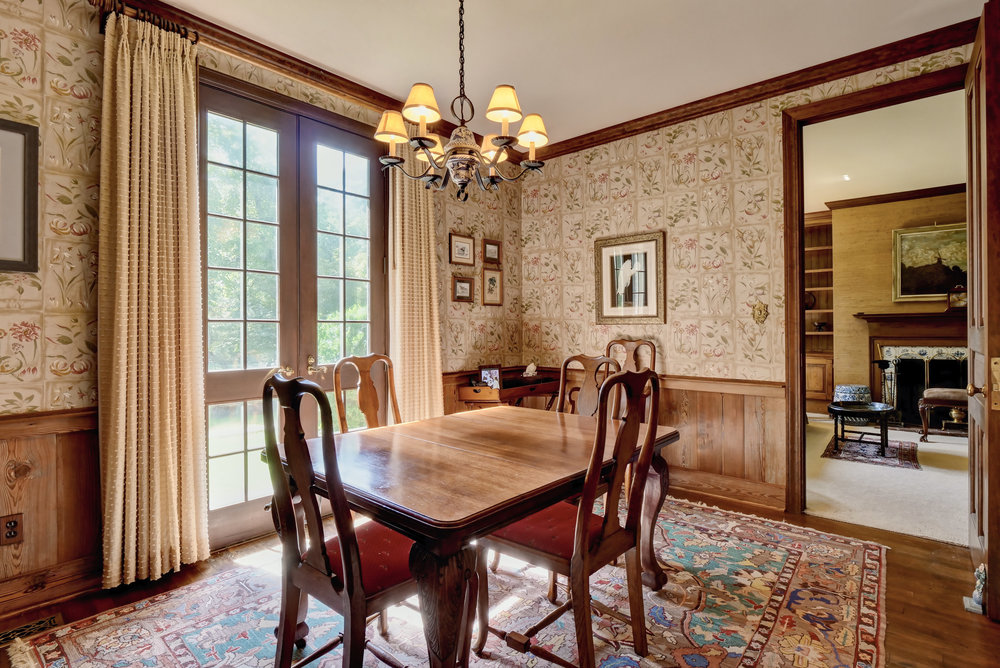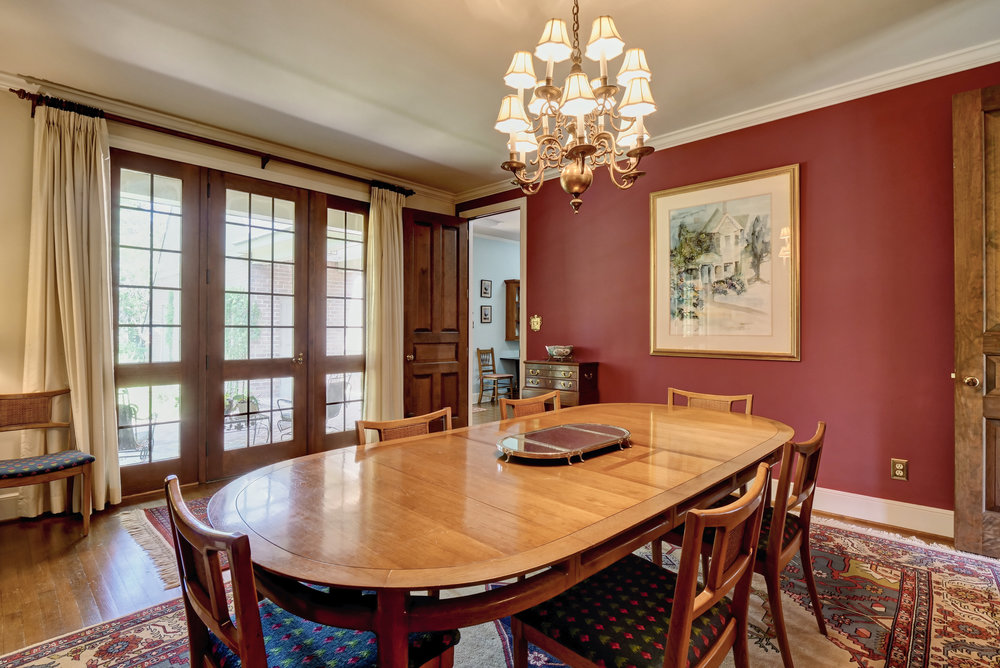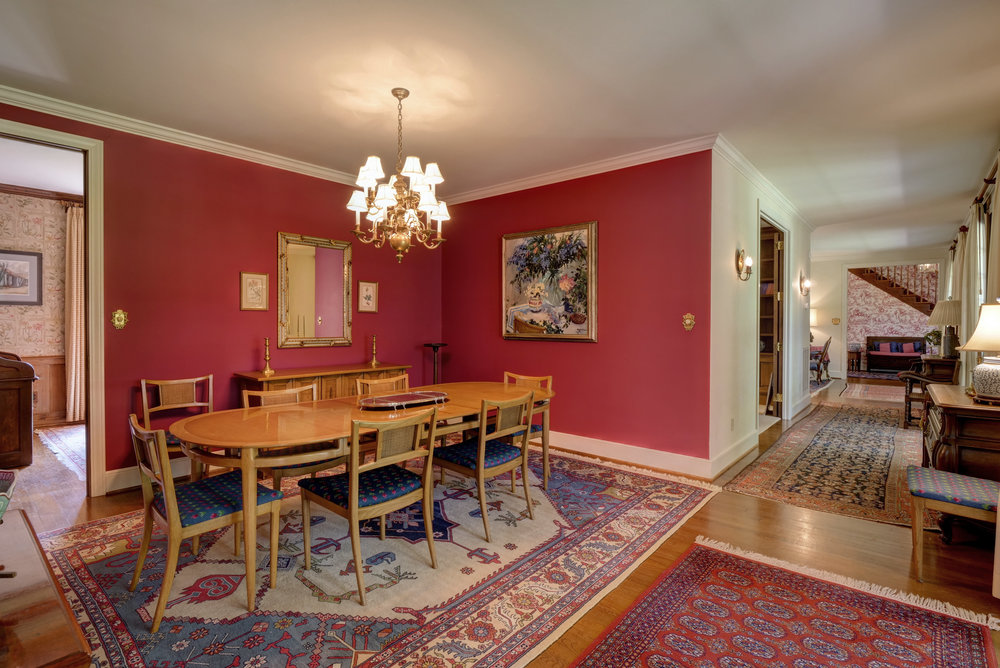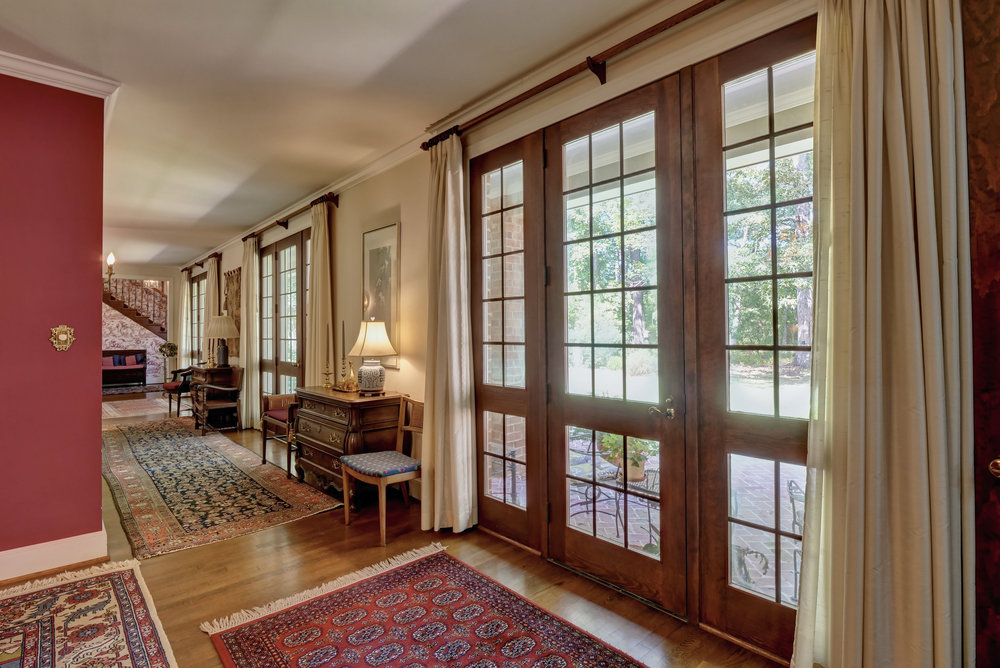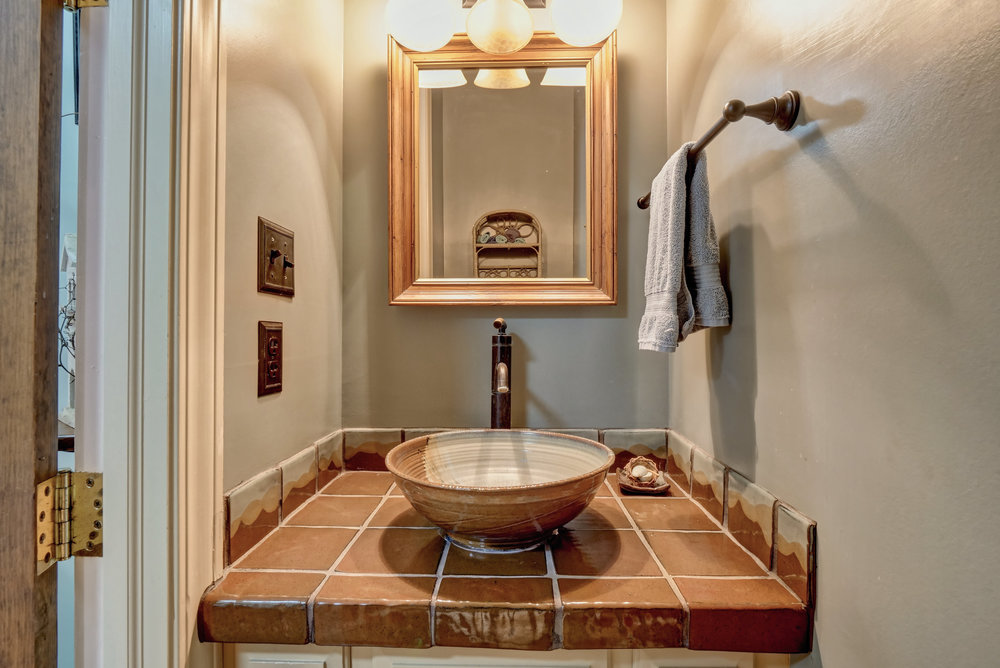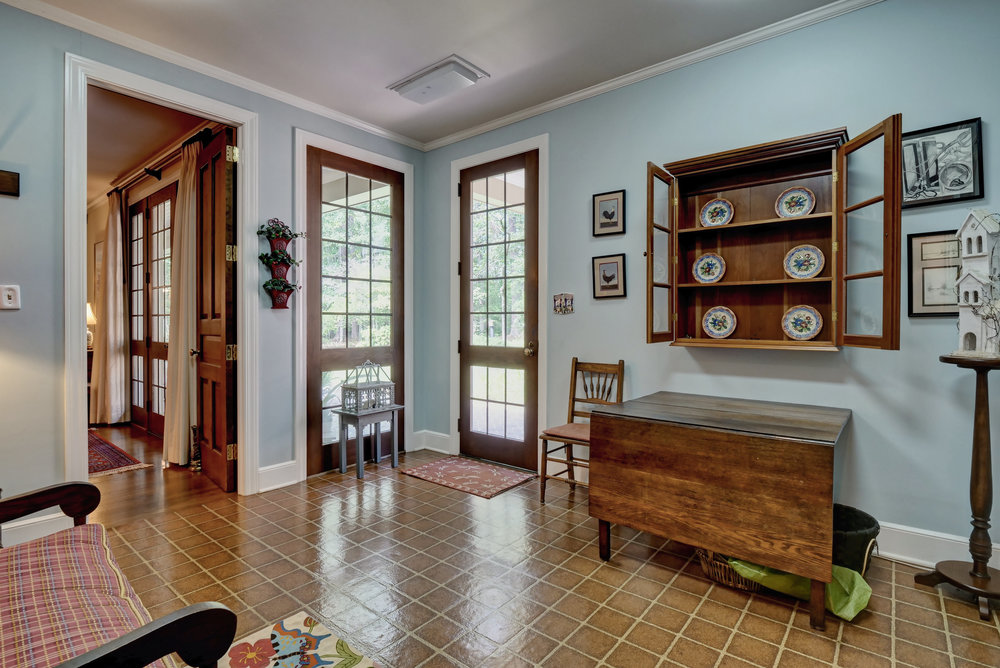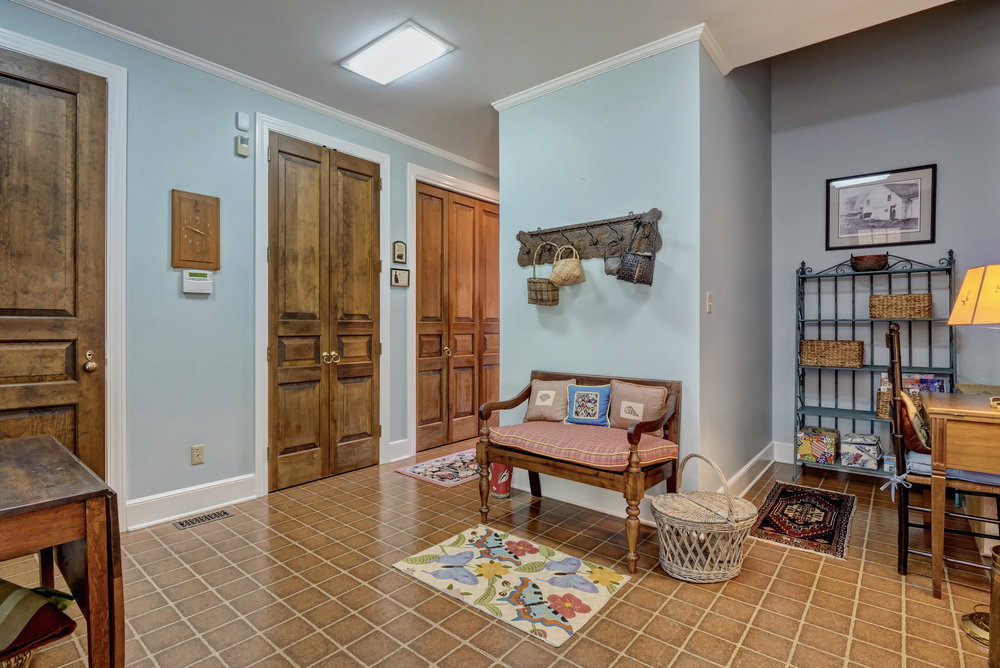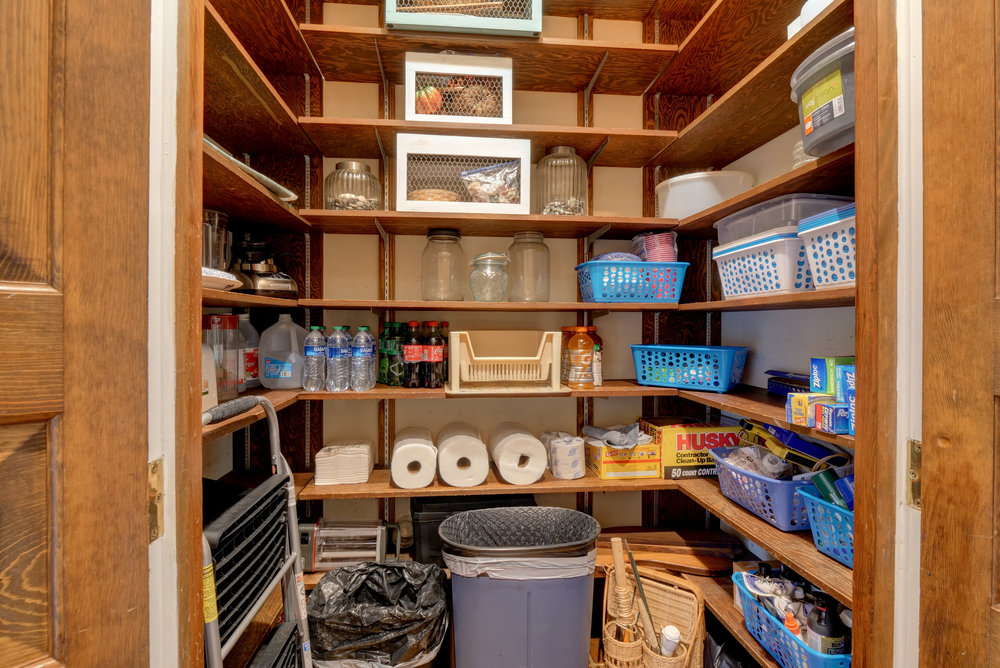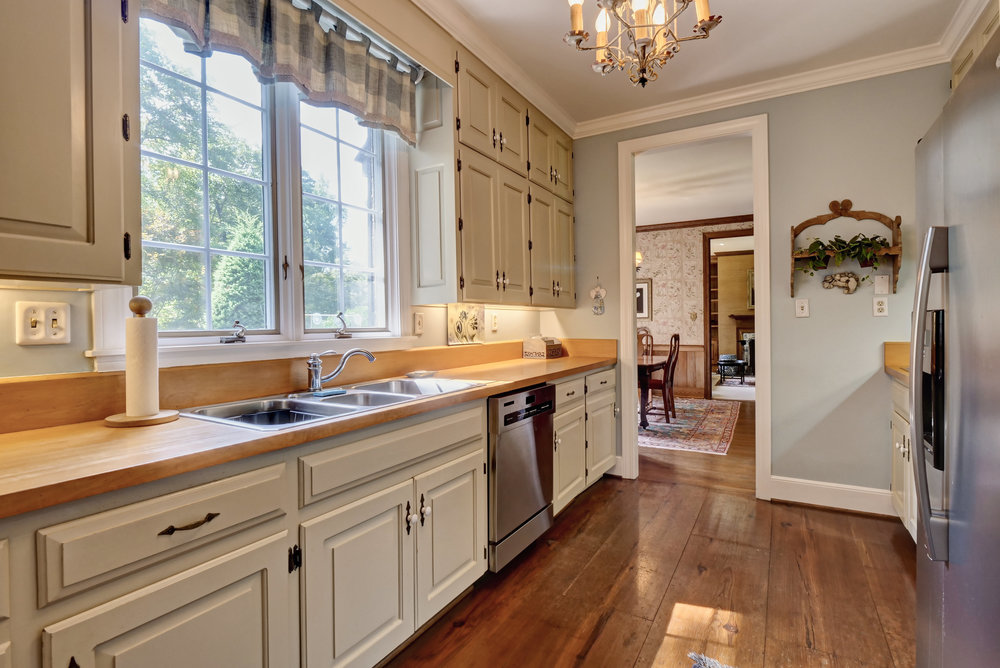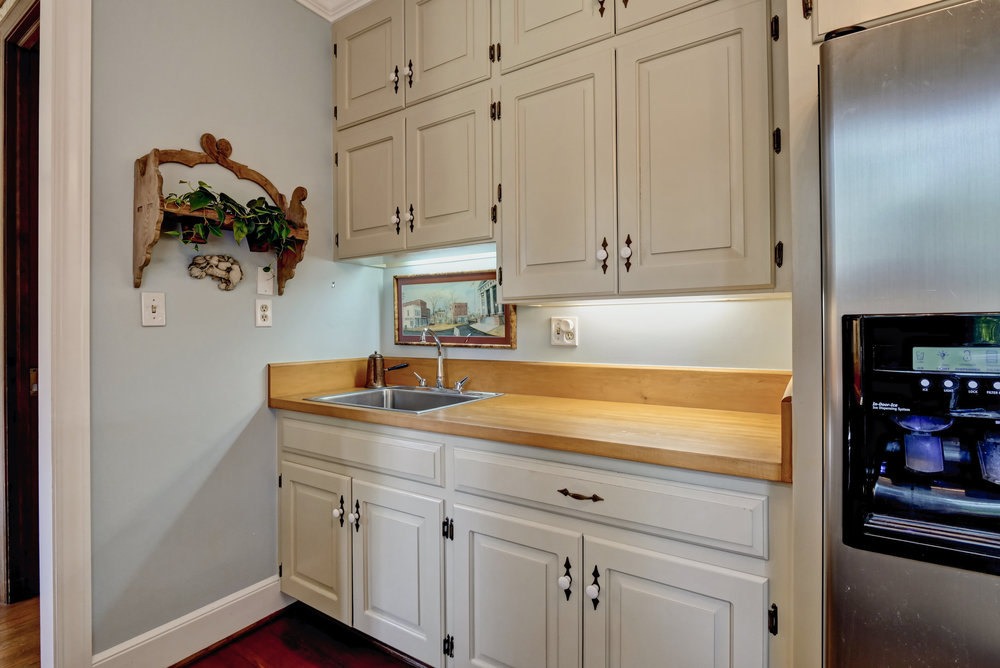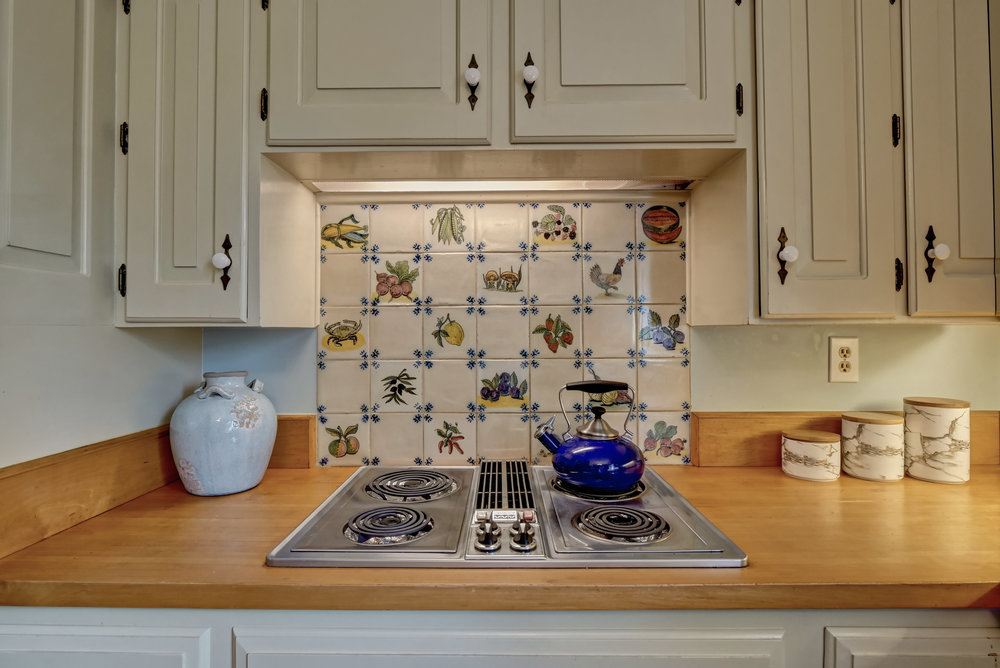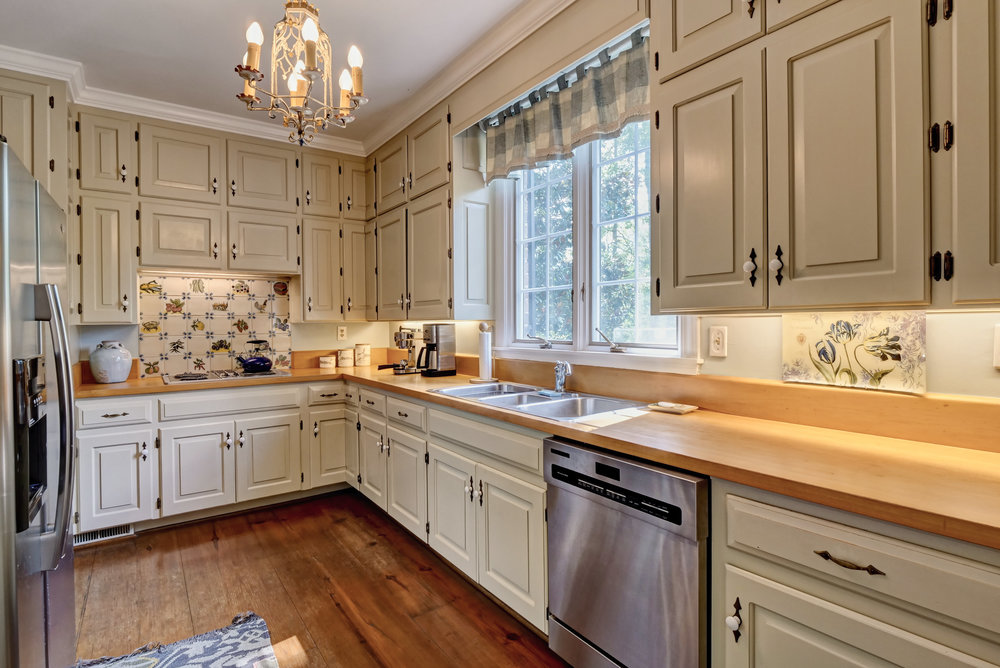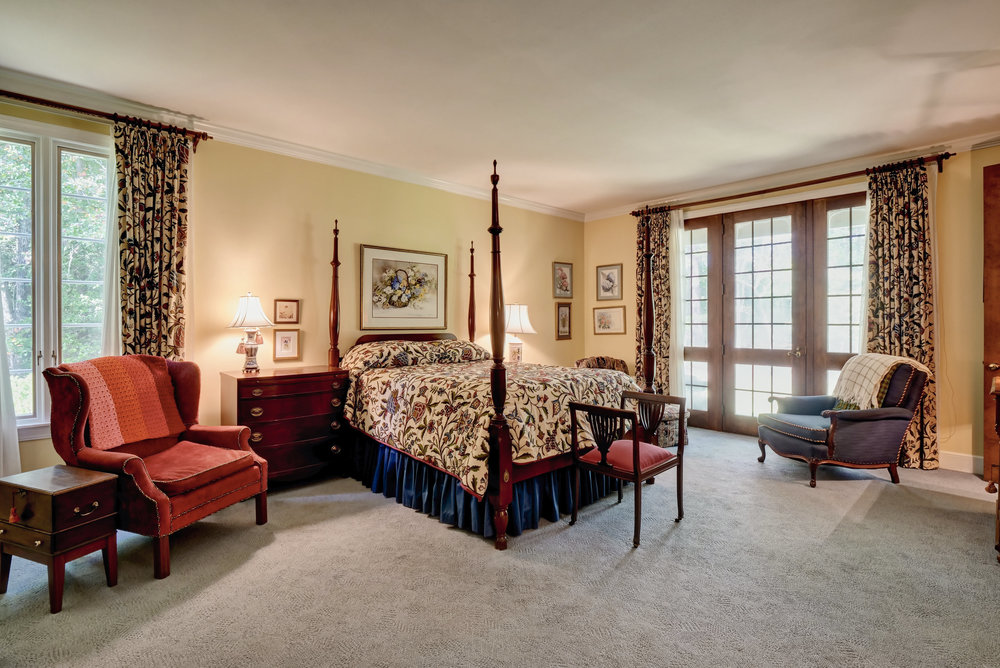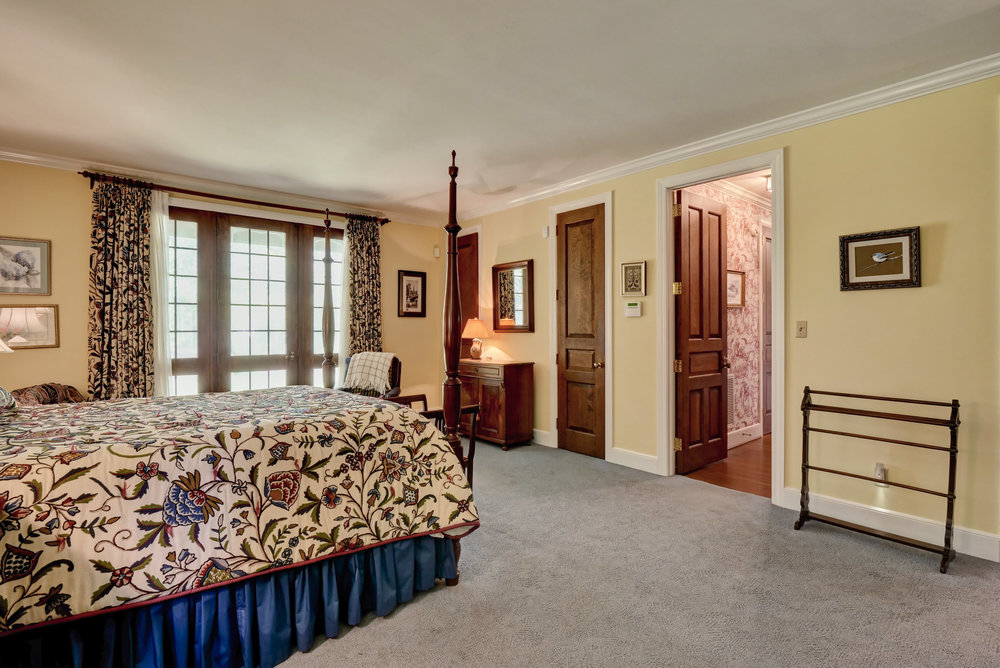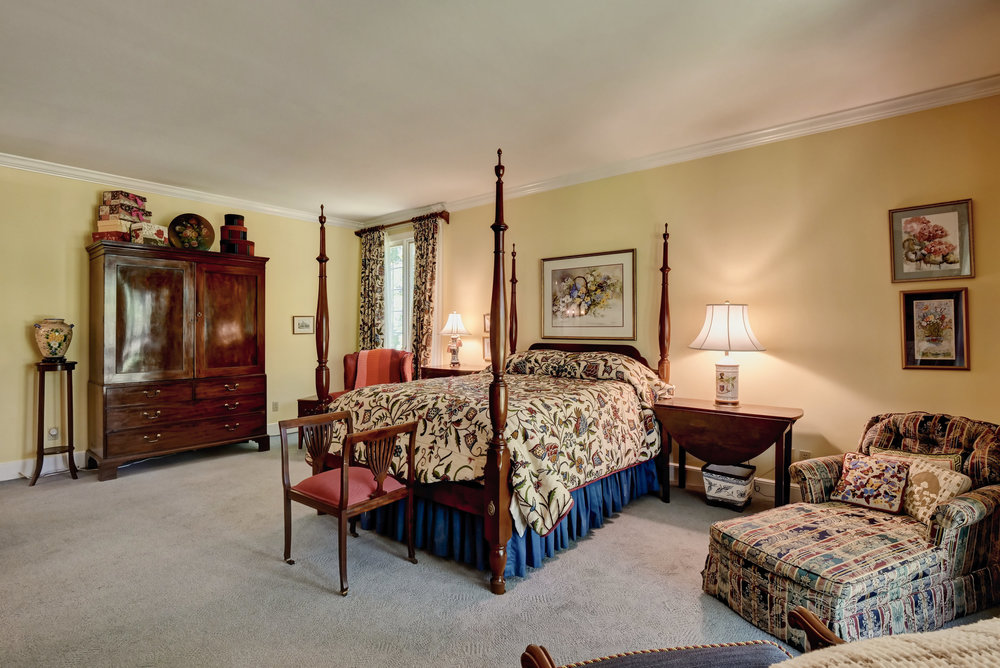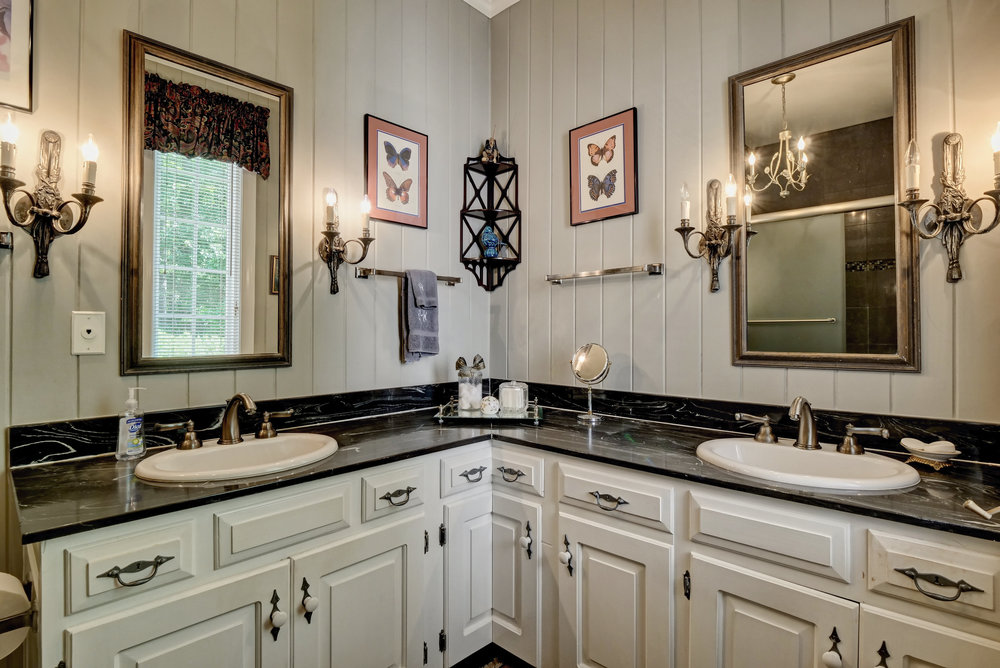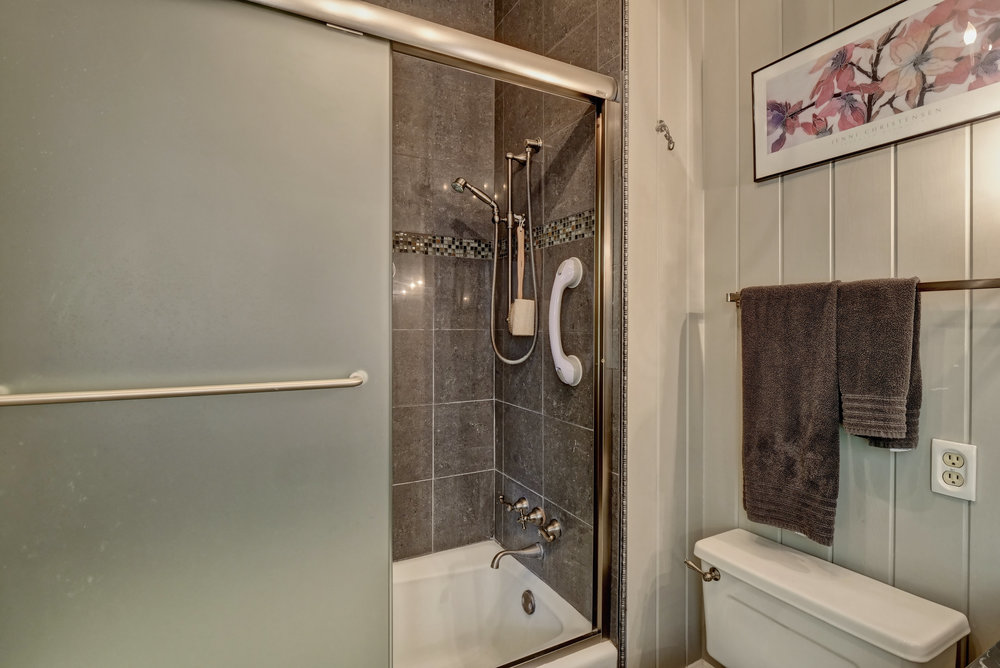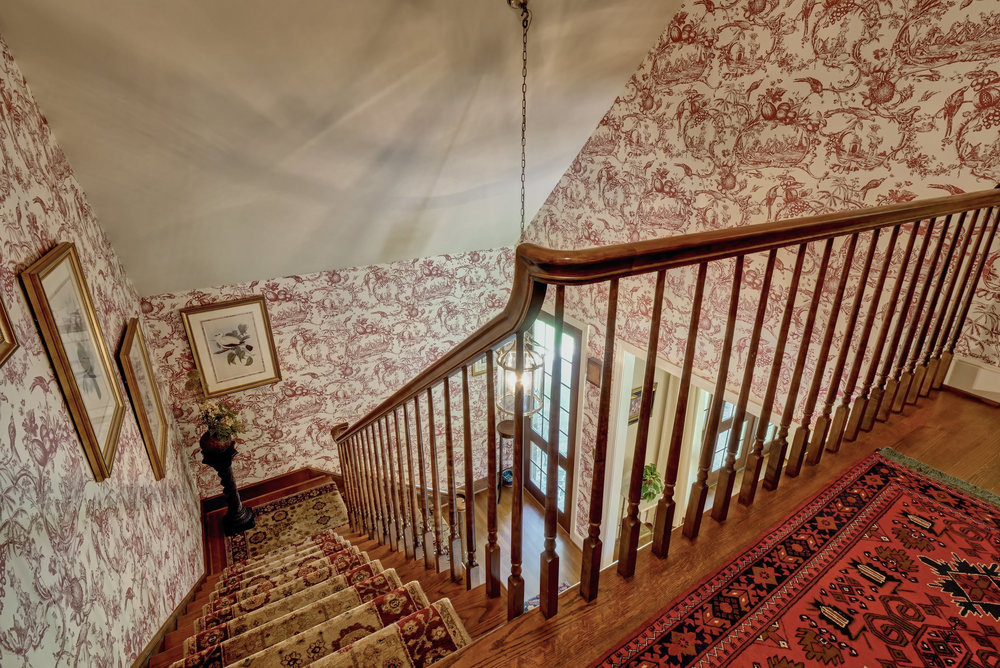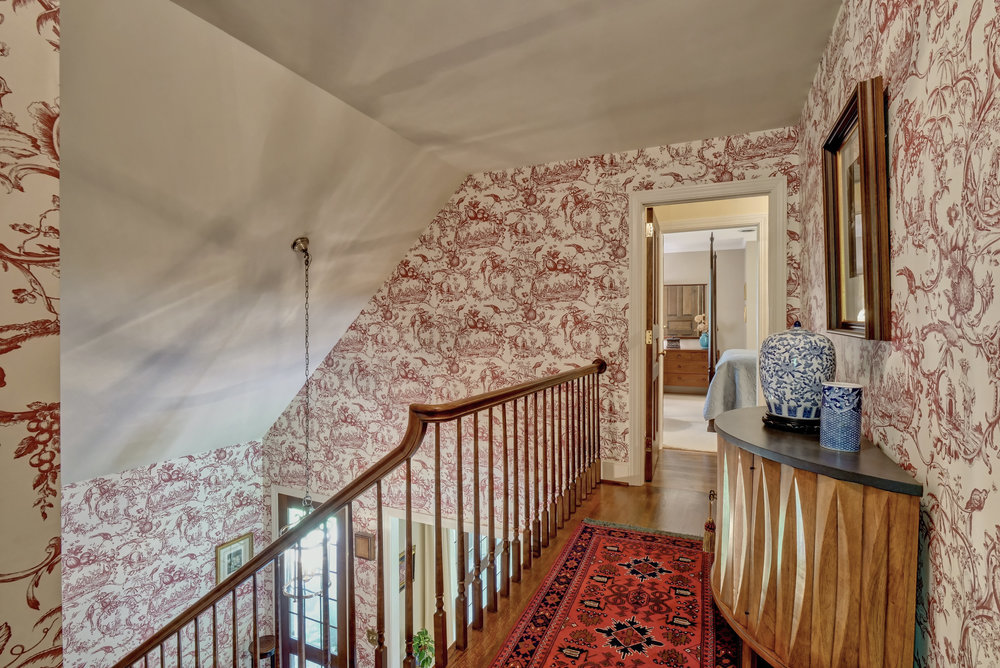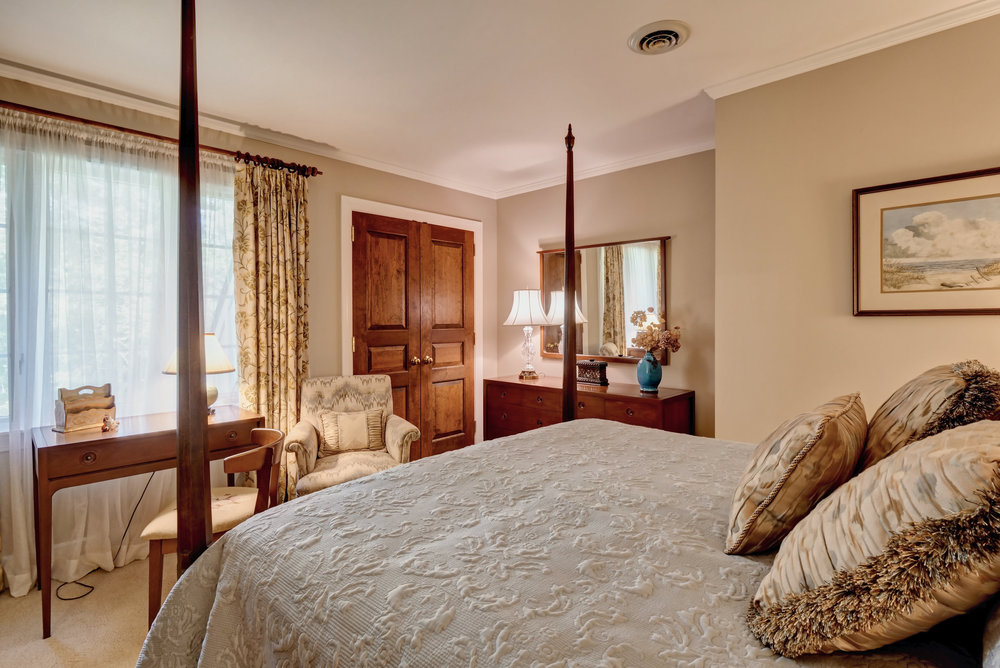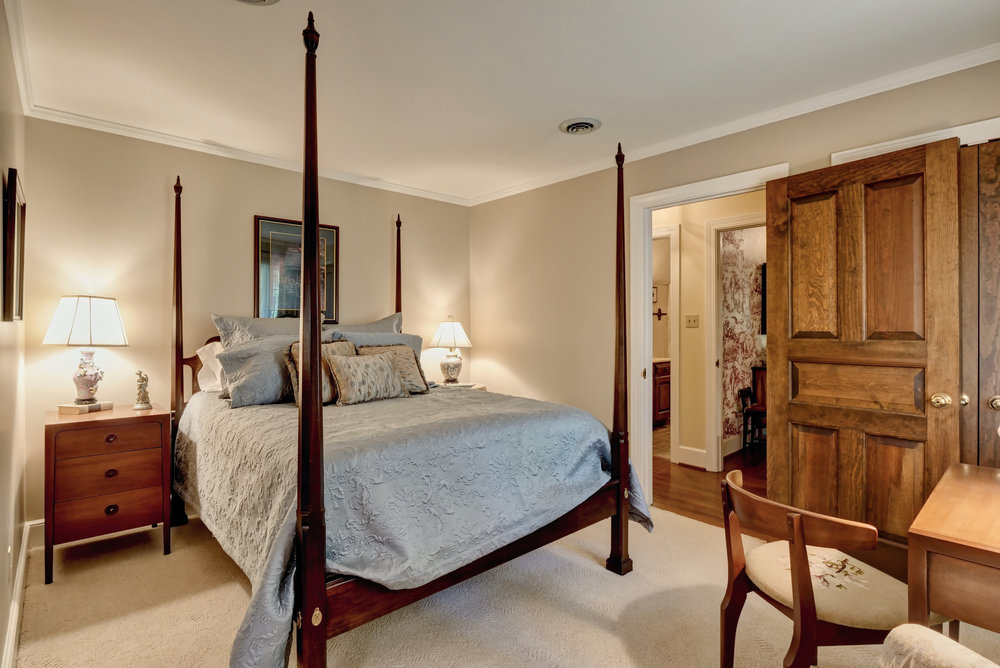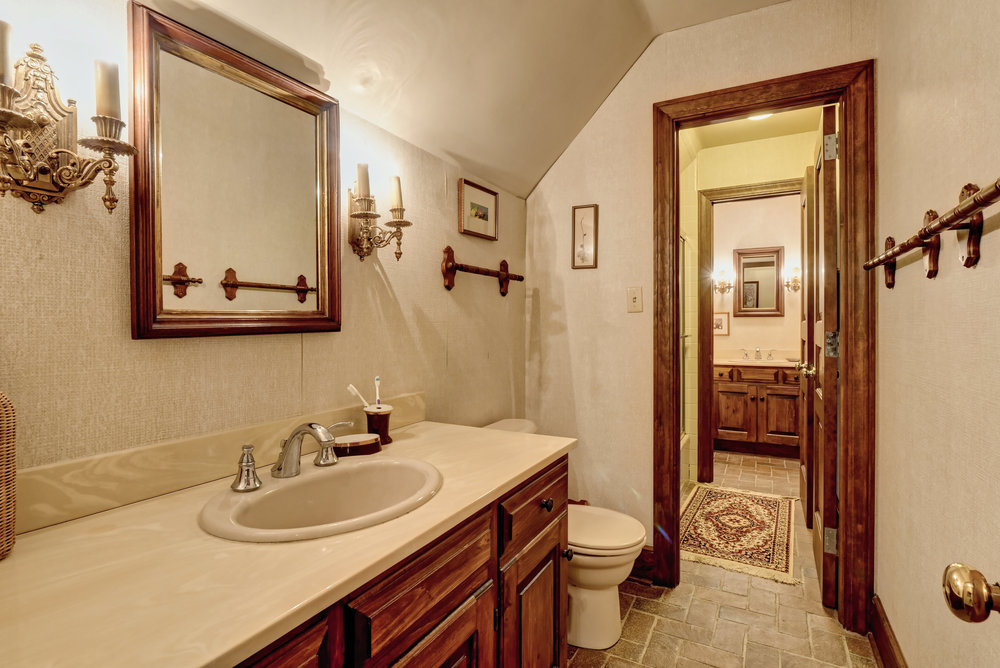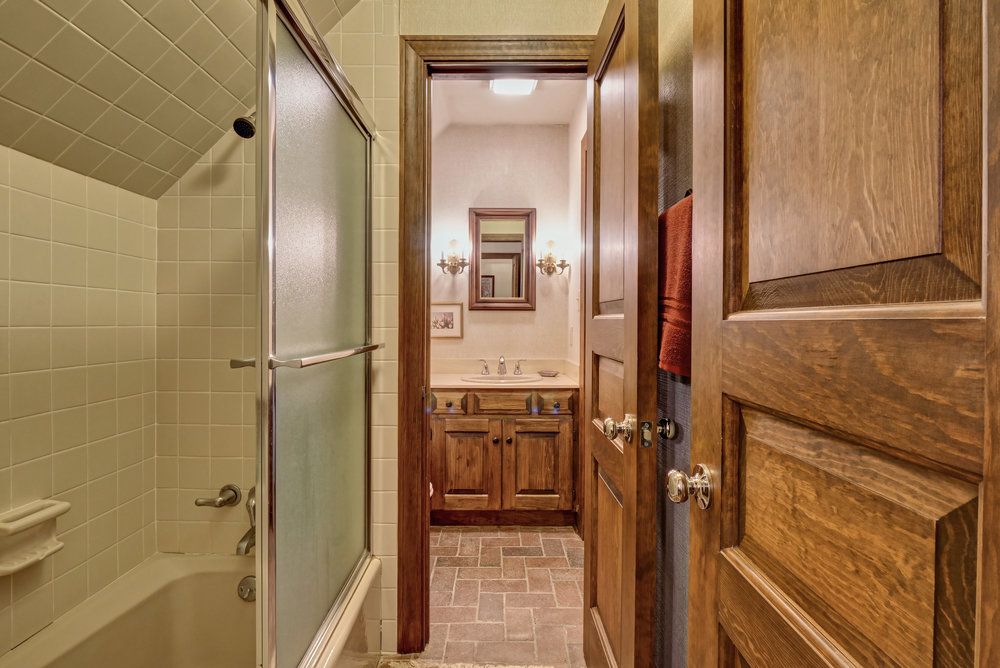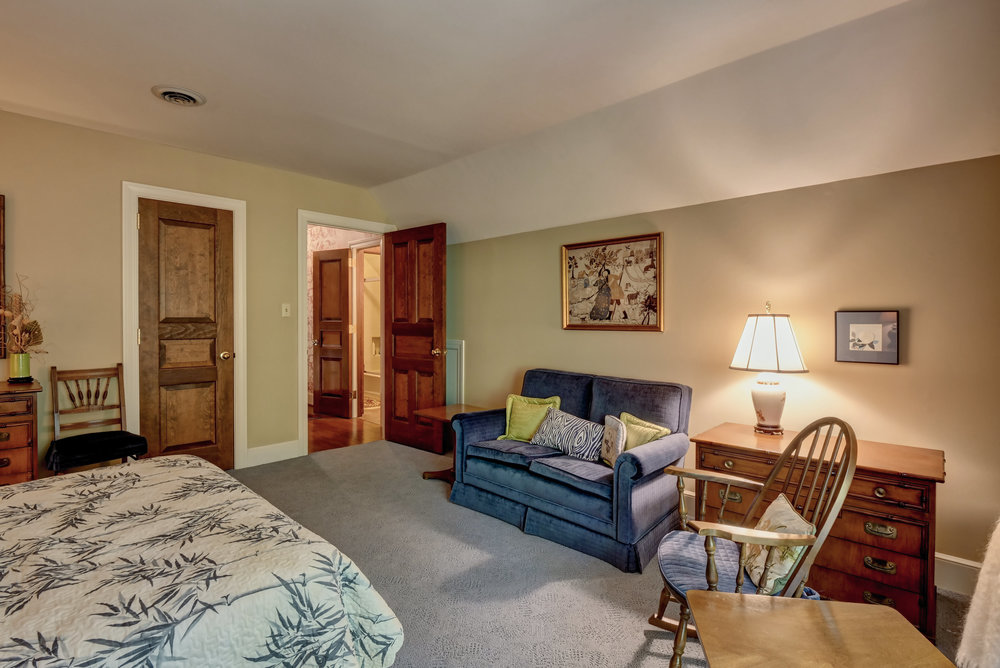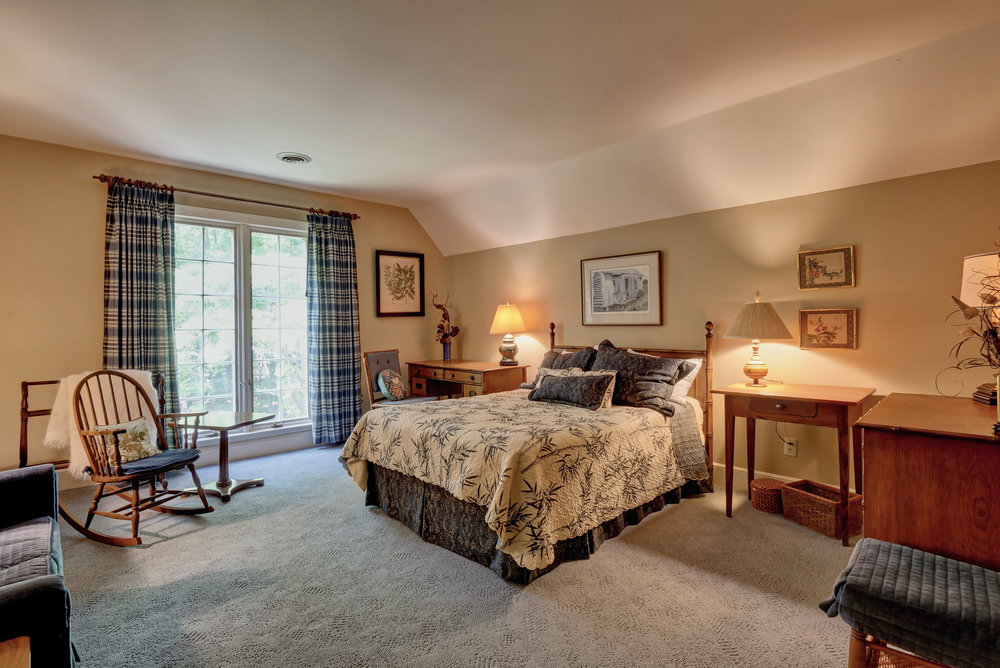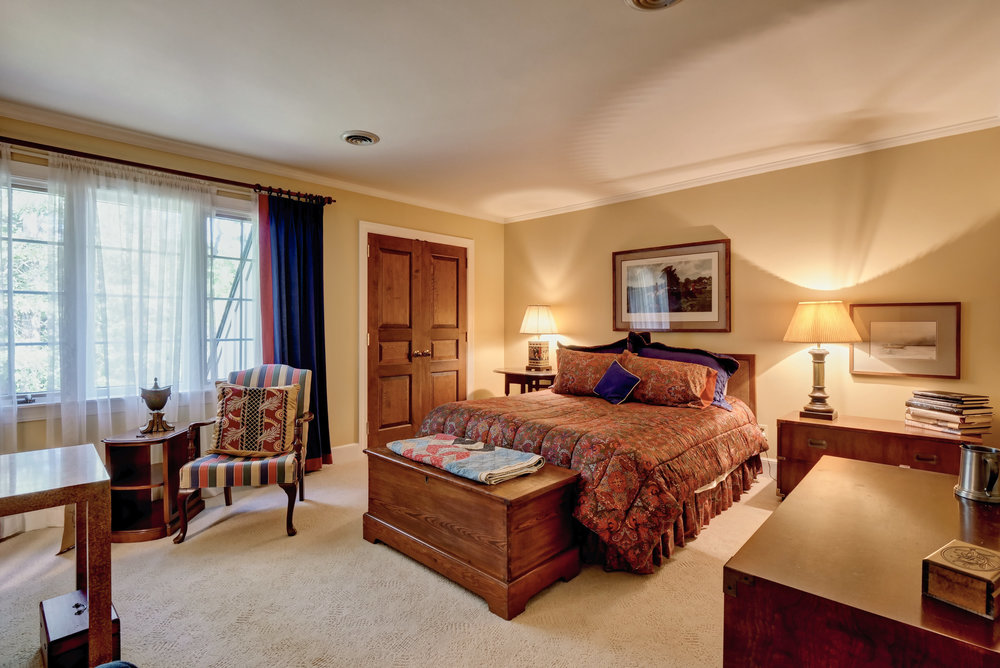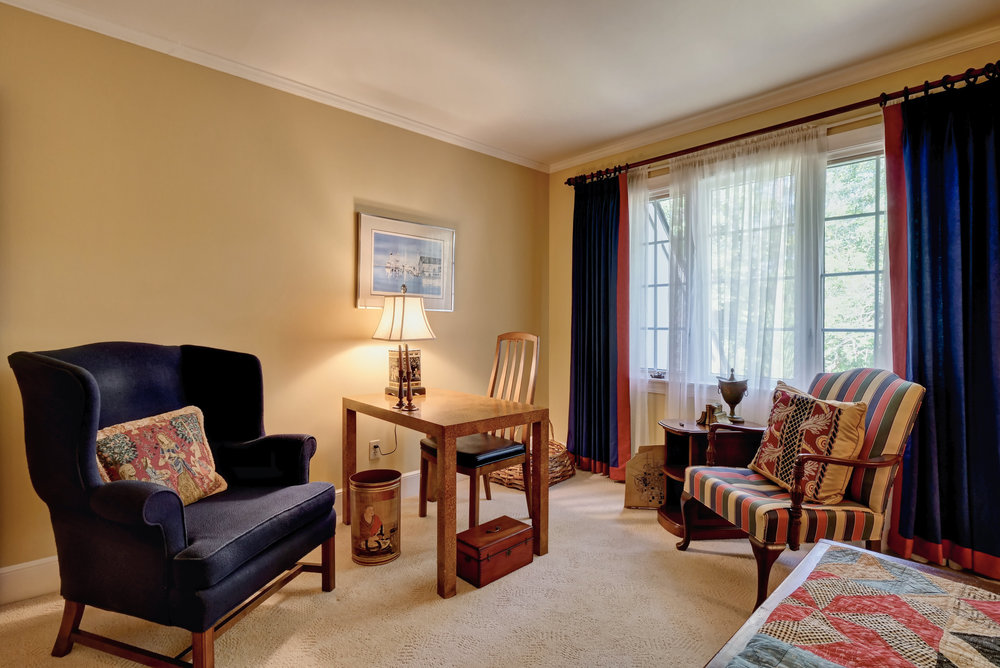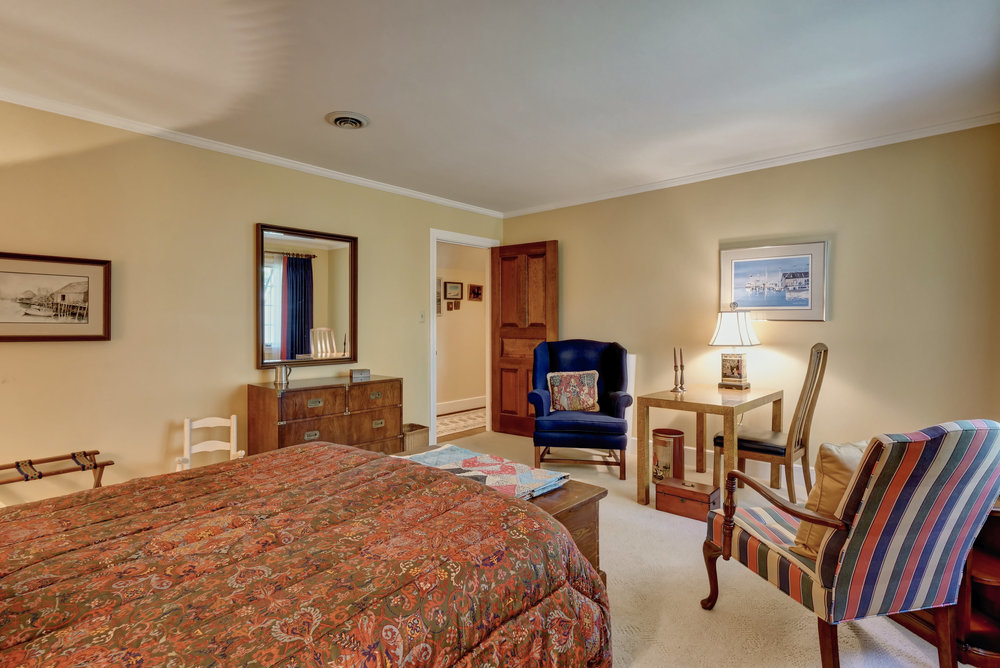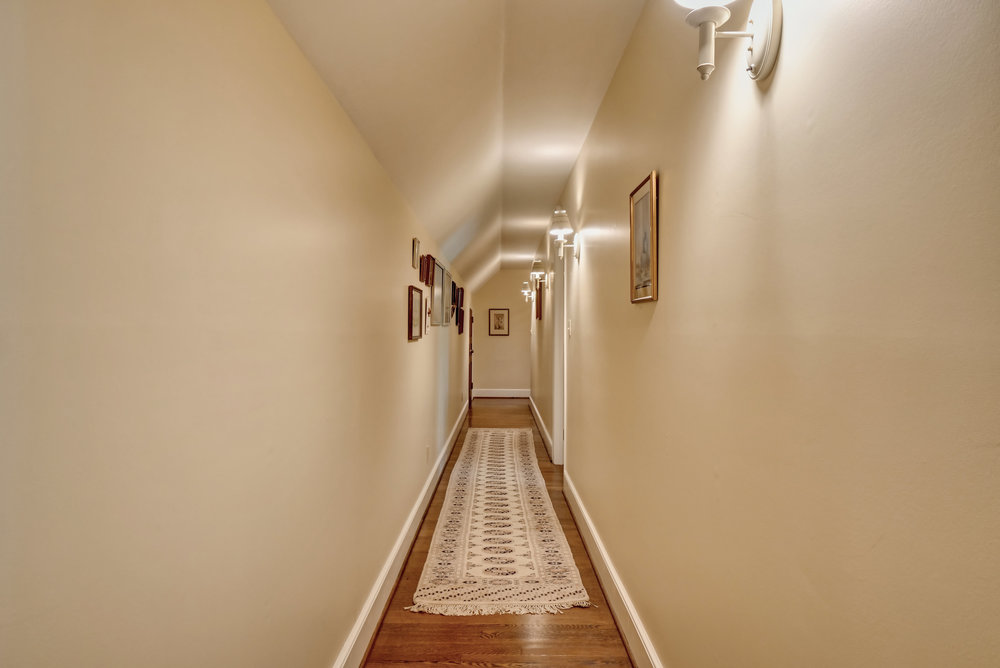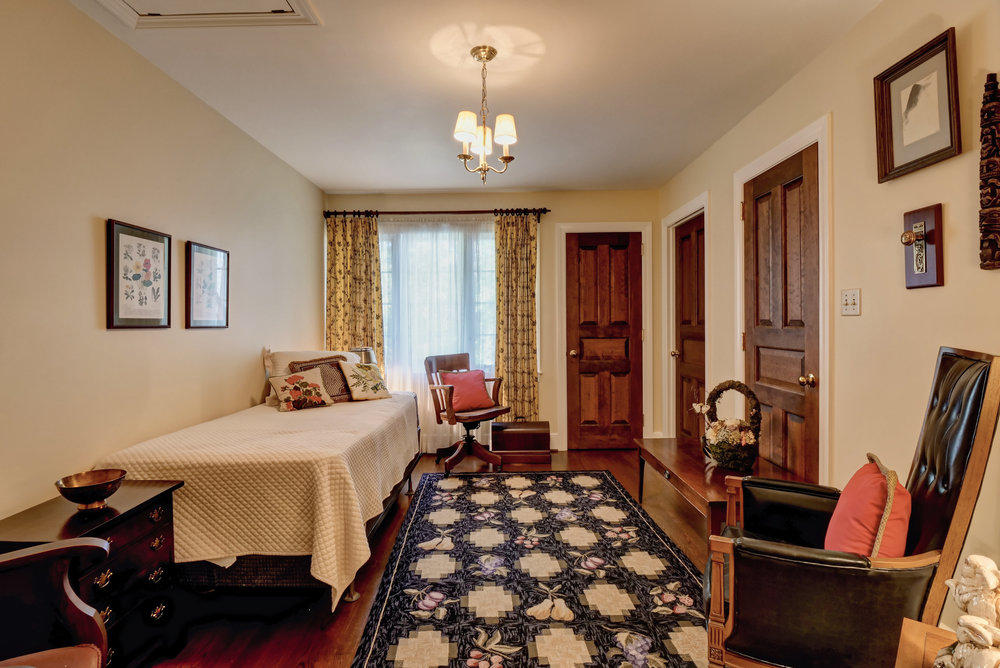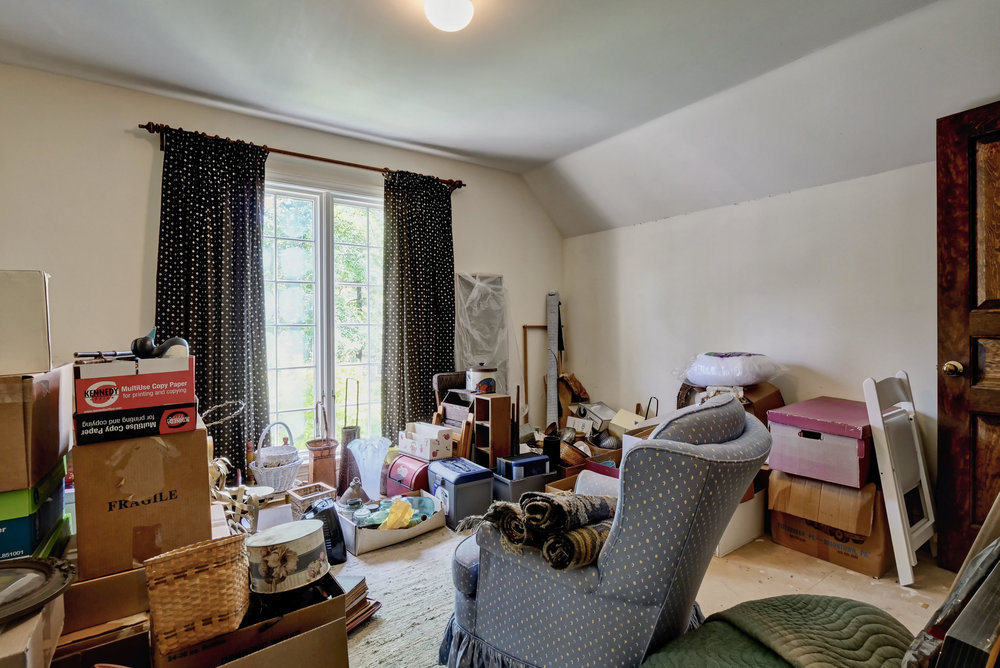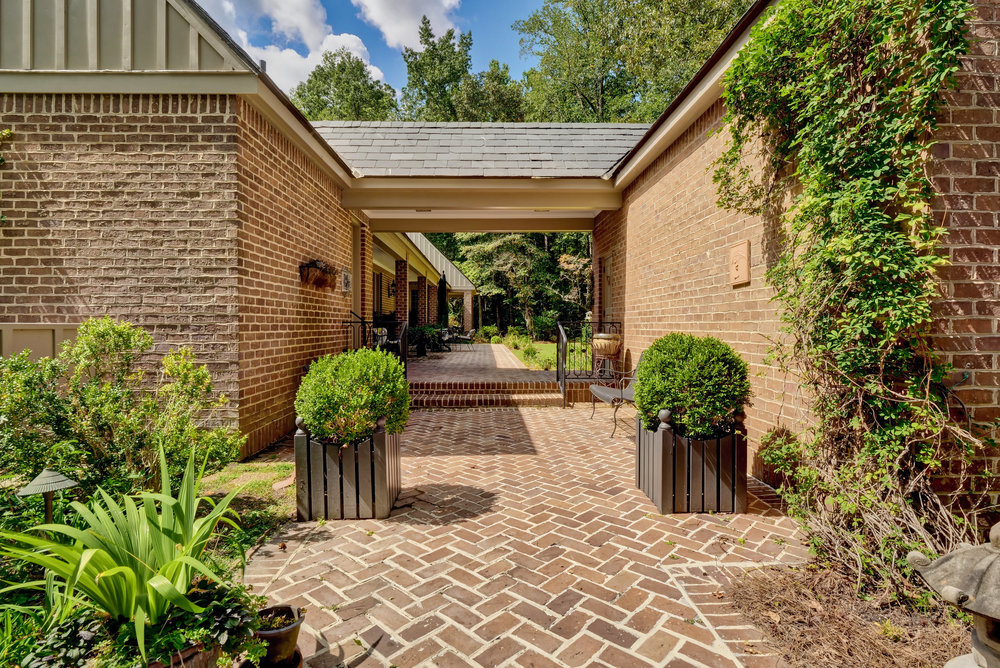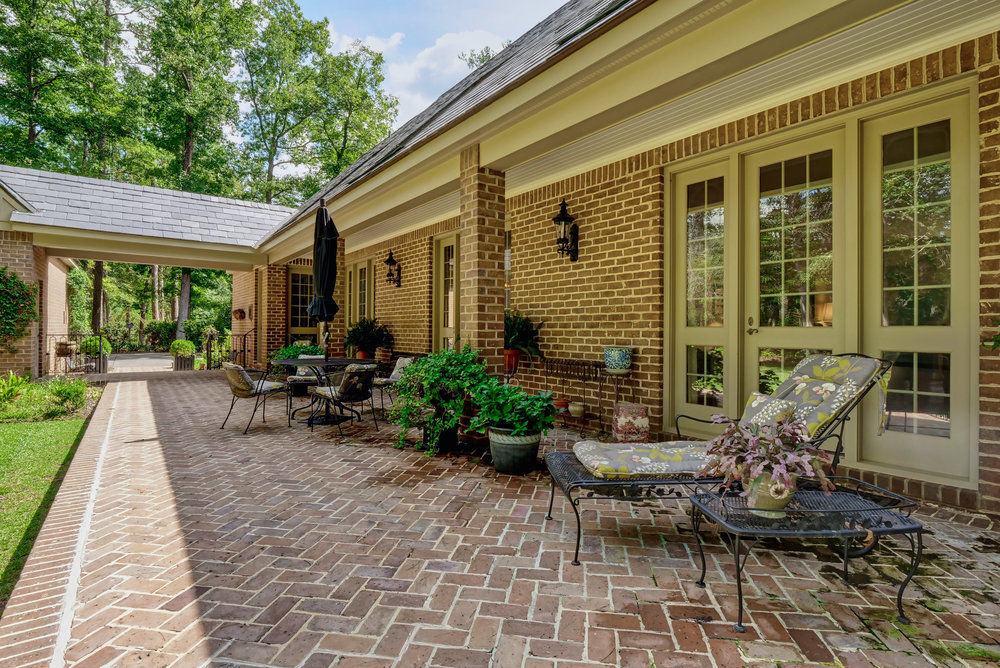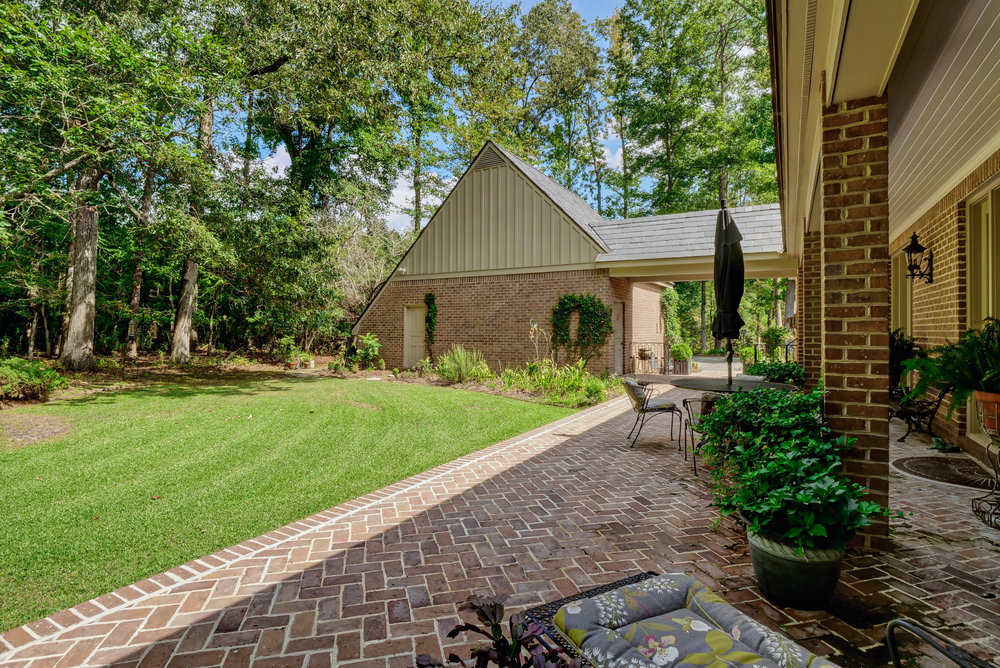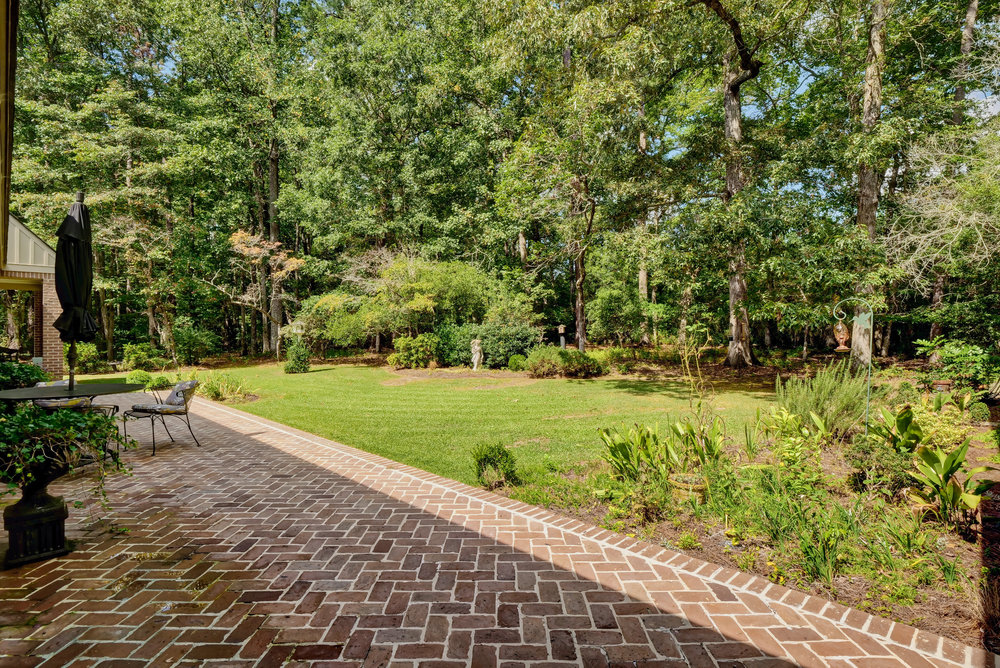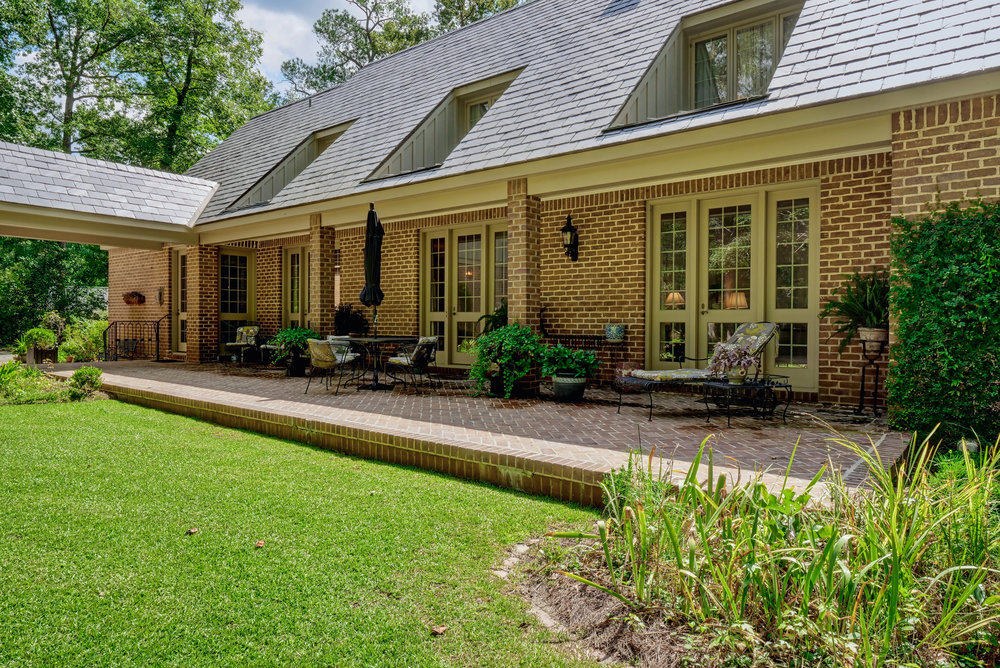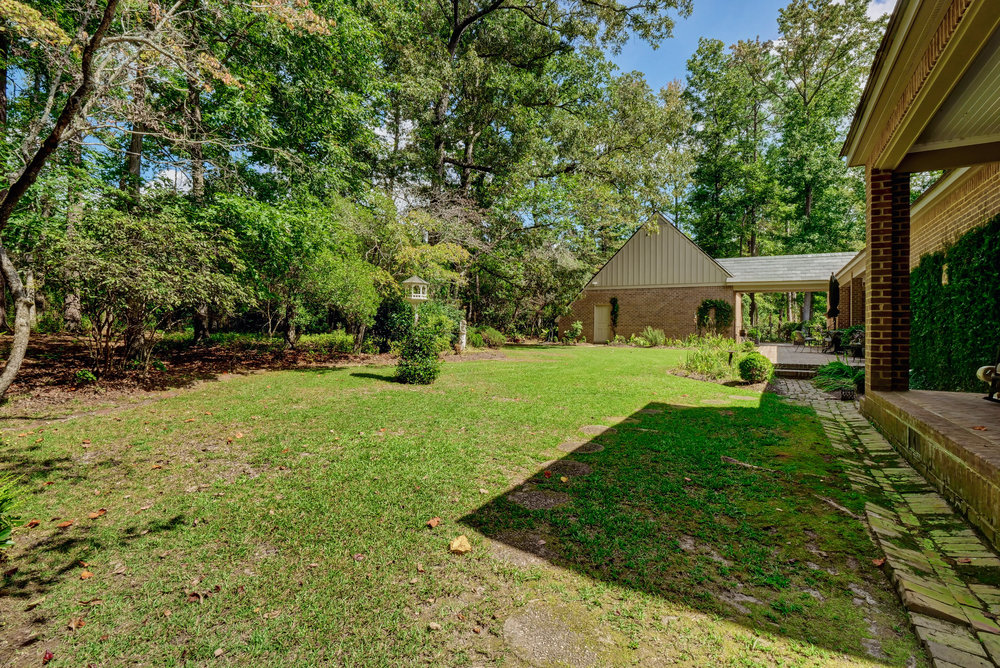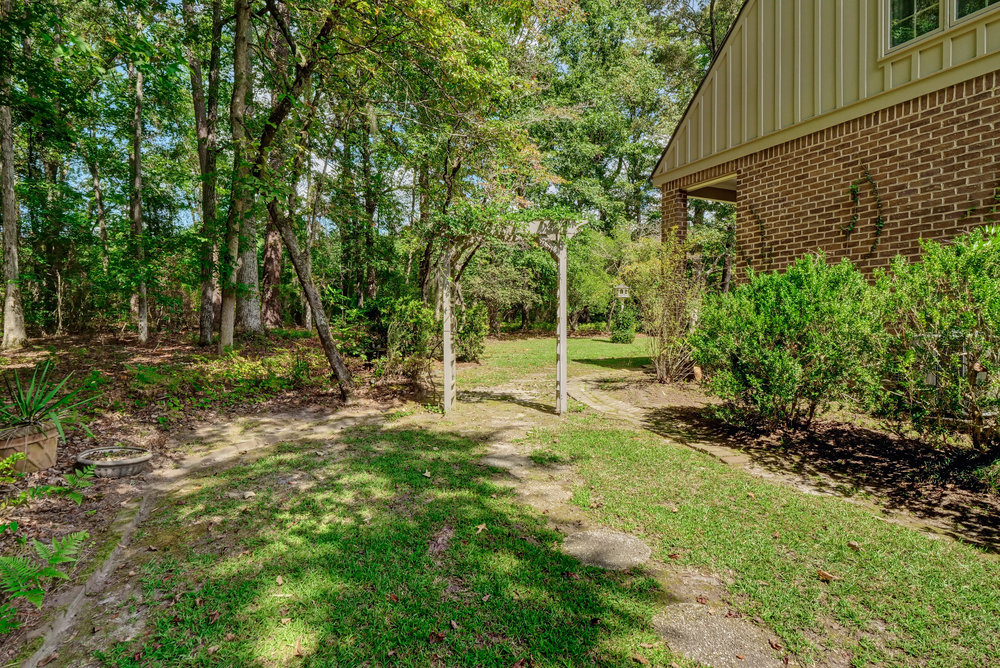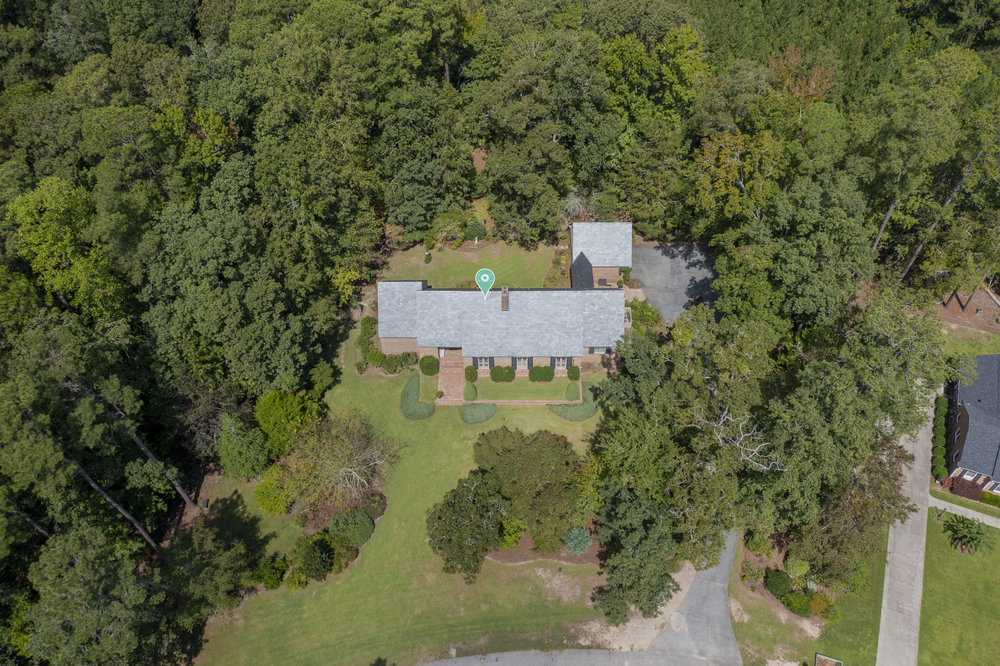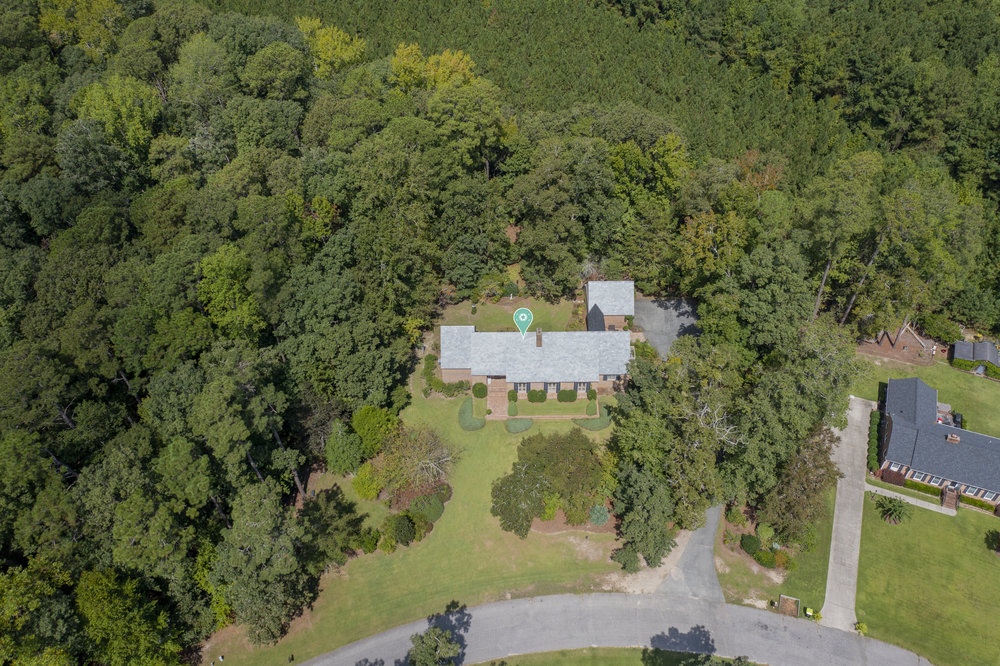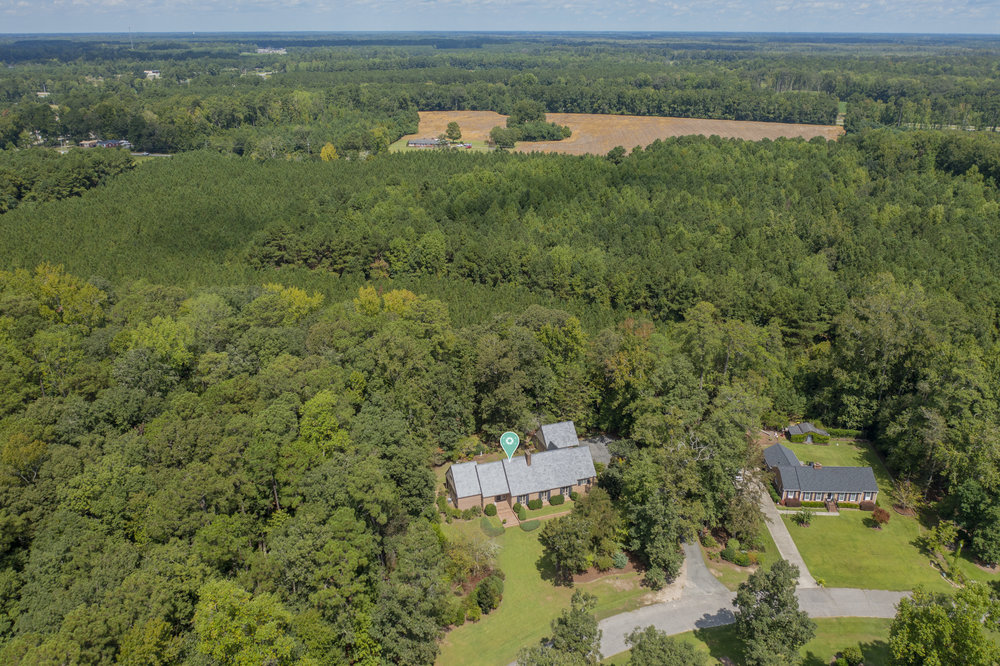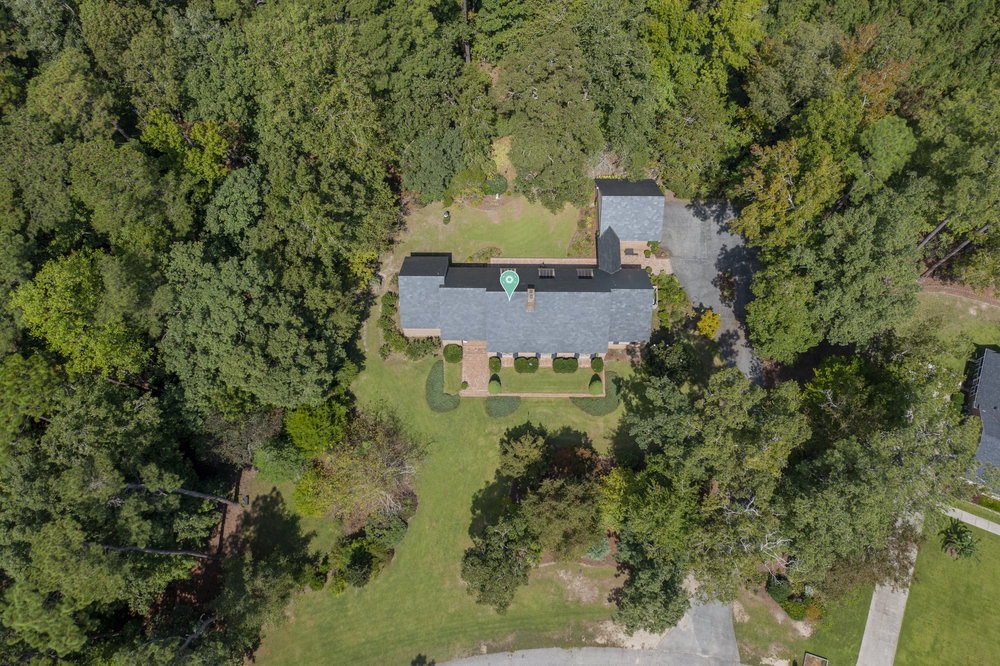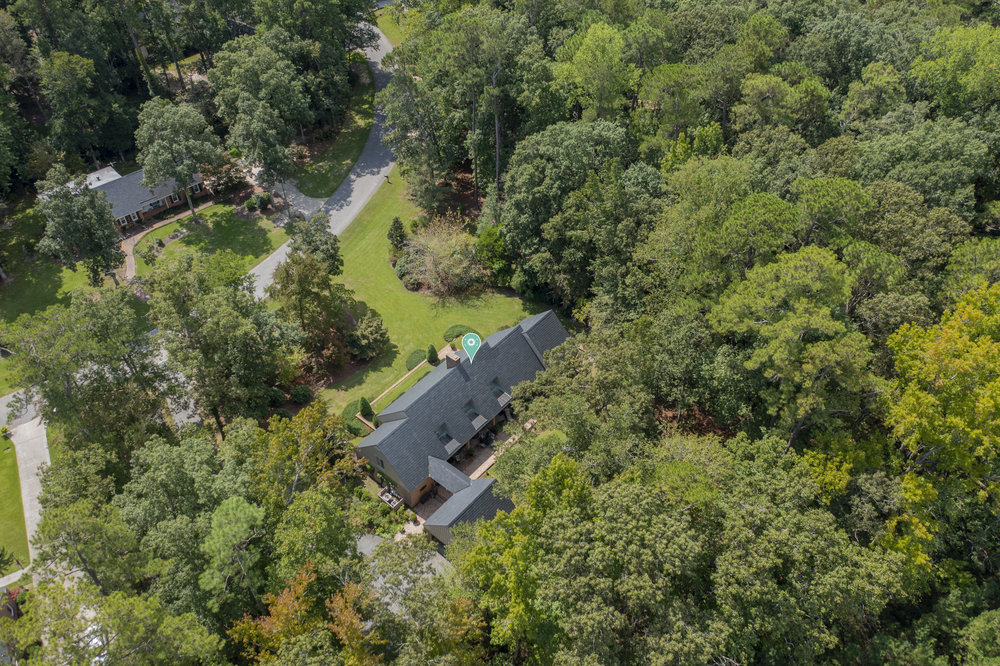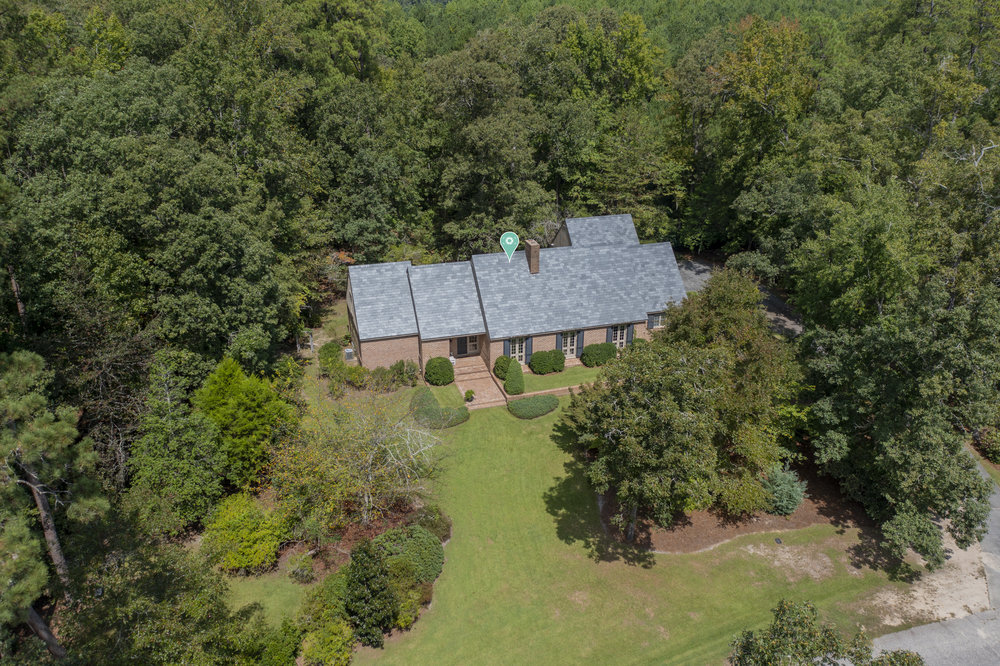
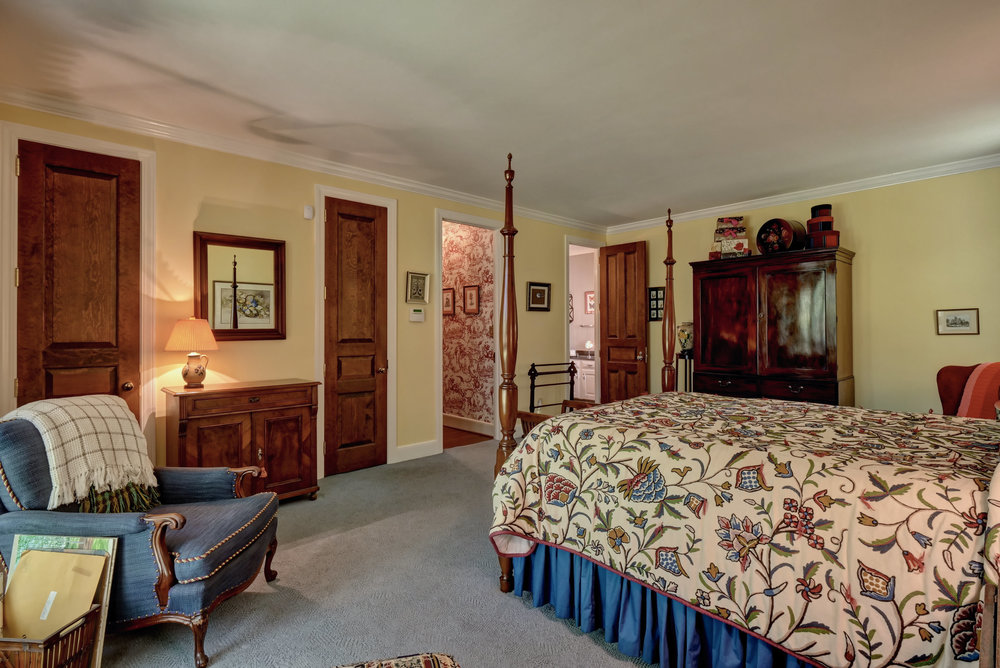
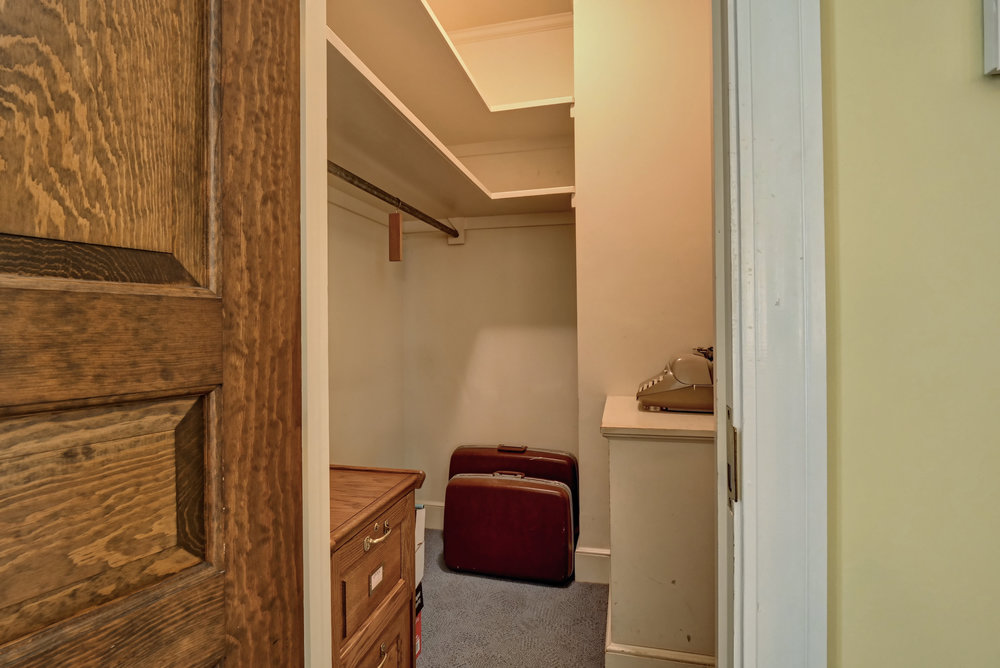
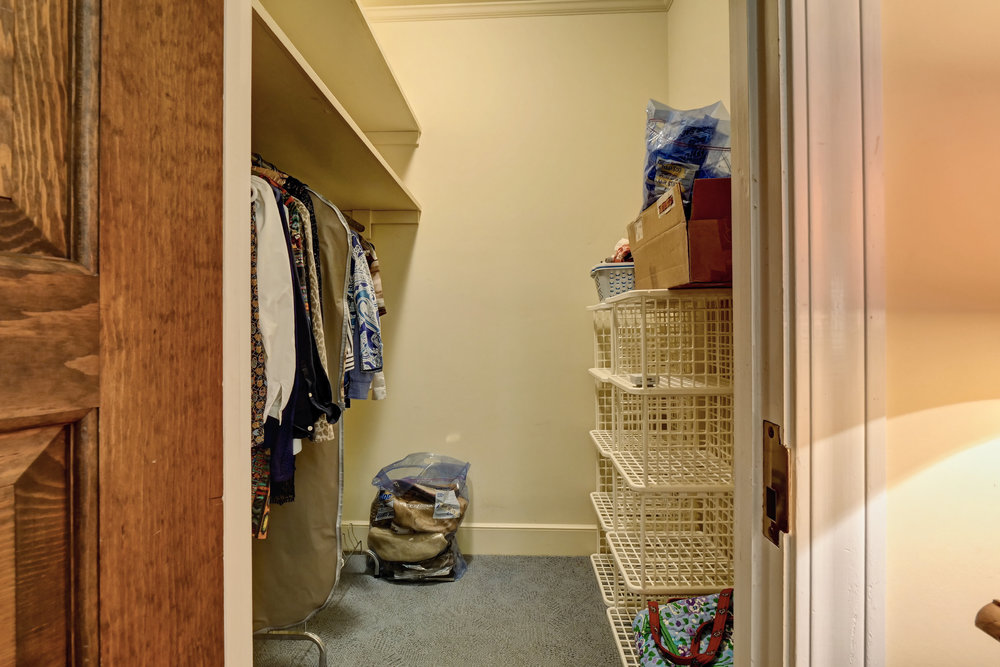
Enjoy superior craftsmanship and trim work not often seen in modern houses! This 1978 custom built home features a slate roof and all-brick exterior, including an expansive private brick terrace that provides ample space for outdoor entertaining. In addition to the home’s 5 bedrooms, there is a formal dining room, mudroom, den, and gallery with views of the back yard. All the interior doors are solid wood and locally made. The interior features a traditional layout with two fireplaces in the living room and den, which also has beautiful built-in shelving. Nearby is a breakfast area that leads into the kitchen. Love fresh air while you cook? This kitchen has two fabulous hand-crank windows, as well as 16-inch pine plank floors, a walk-in pantry with floor-to-ceiling shelving, and double-decker cabinets to provide plenty of room for storage. Also on the first floor is the primary suite, featuring tongue and groove walls, two walk-in closets, a sitting area, and a private covered porch with a board and batten ceiling. On the second floor are 4 additional bedrooms with many options for use. Connected to the home by a breezeway is a two-car garage/carport with 3 separate storage rooms. This home has so much charm and character, and tons of room for all your lifestyle needs. Schedule a showing today to see all it has to offer.
Bedrooms
5
Bathrooms
2F 2H
Square Ft.
4,225
Floors
2
Parking
2 (Carport)
Year Built
1978
Acres
1.2
Brick
Covered Porch
Terrace
1st Floor Primary Bedroom
Built-in Shelving
Fireplace (Two)
Foyer
Mudroom
Pantry
Walk-In Closet
Hardwood Flooring
Carpet
These appliances convey with the sale of the home.
Cooktop - Electric
Dishwasher
Refrigerator
Wall Oven
We always recommend calling the school district to verify all schooling opportunities. Not all schools are listed in the Multiple Listing Service.
Whiteville Elementary School
Central Middle School
Whiteville High School
Runnymeade
Runnymeade is an established community off US-76 and US-74 Business in Whiteville, NC. It's conveniently located near the Columbus Regional Healthcare System Hospital and shopping and dining at the heart of Whiteville. Click the button to visit the community page.
“I bought a home in North Carolina yesterday. Heather Lindquist-Bull was my buyers agent. Since I made this purchase while living in Massachusetts, it is more of a difficult way of doing business. Heather went above and beyond to keep me informed about everything being done all through the process. She was readily available whenever I needed her. She made a difficult situation much easier. I would not hesitate to recommend Heather to handle your real estate needs.”
Valerie Letourneau
Southport, NC
Highly likely to recommend
“We had an excellent experience working with Tammy Suggs to purchase our first home. As first-time home buyers, we had a lot of questions, and she was incredibly knowledgeable, patient, and supportive throughout the entire process. She made everything feel smooth and stress-free, always taking the time to explain our options and guide us every step of the way. We truly appreciated her expertise and dedication, and we highly recommend her and the Cameron team to anyone looking to buy a home!”
Makayla Moster
Wilmington, NC
Highly likely to recommend
“Working with the Cameron Team, especially Tammy, was a real pleasure. Tammy is the best, very kind and knowledgeable of Wilmington and the surrounding areas. My fiancé and I looked around Wilmington, Hampstead, and Leland before finally finding our home and Tammy was a great help every step of the way even after closing was completed. Very happy with the Cameron Team and Tammy!”
Lane Johns
Highly likely to recommend
“Melanie and her team were outstanding in terms of being proactive, responsive, professional, and extremely knowledgeable. I loved working with her, and I credit her with how well the process went!”
Margaret Pooler
Topsail Beach, NC
Highly likely to recommend
“We listed our home for sale with Melanie, and she did an outstanding job! She kept us informed every step of the way, and made the entire process as easy as it could be. It was truly a pleasure to work with Melanie and her team!”
Marybeth Behringer
Wilmington, NC
Highly likely to recommend
“We had an INCREDIBLE experience with Ashley and her team. We gave her the challenging task of finding us a home without us actually being present (save for one single weekend we were able to make it down to NC) and she went above and beyond to ensure we saw many different homes in many different neighborhoods. We truly got a lay of the land and found a home and neighborhood that we absolutely love. The entire experience was 10/10- I HIGHLY recommend Ashley and The Cameron Team!”
Halley Learned
Hampstead, NC
Highly likely to recommend
“Melanie was an absolute blessing for us, I cannot praise her highly enough! She was always patient and had invaluable insight, experience, and contacts. Melanie truly had our best interest at heart and proved it multiple times, she made sure NOBODY took advantage of us - shady sellers, dishonest realtors, even saved us from ourselves a few times! I will ALWAYS recommend Melanie and her team, they are not only part of a stellar company, but are amazing people. 100/10.”
Nikki Morarie
Southport, NC
Highly likely to recommend
“Tammy Suggs is a gem! Her advice, enthusiasm, and patience was just what this inexperienced homebuyer needed. She stuck with me while I searched for the proverbial needle in a haystack and, when we found it, helped me secure it right away. I will be forever grateful in my new forever home!”
Karen Hampton
Southport, NC
Highly likely to recommend
“Amazing team! Very helpful throughout the entire home buying process, would definitely recommend to anyone in need of a home to call theirs.”
Michael Montes
Rocky Point, NC
Highly likely to recommend
“Ashley is the realtor you want working for you. Period.
There are too many details to put in an online review that properly illustrate her commitment to ensuring we found the right home in Wilmington. In short, she responded timely to text messages and emails, often within minutes, answered ALL of our questions, and went above and beyond my expectation of providing us with contacts we needed specific to our purchase transaction. We bought our home in Wilmington as a second home as we live near Winston-Salem. She did several FaceTime walk-throughs with us so we could see things in the home and offered her honest opinion about what she was seeing. It was a 5-star experience for sure!”
Tracy Duncan
Wilmington, NC
Want to take a tour of this property?
Fill in your details and we will contact you to confirm a time.
Promote Your Sold
Nosey Neighbor Lead Page
Social Site Lock
Headerless Landing Page
Share My QR
Success!
Accessibility
Accessibility modes
Epilepsy Safe Mode
Dampens color and removes blinks
This mode enables people with epilepsy to use the website safely by eliminating the risk of seizures that result from flashing or blinking animations and risky color combinations.
Visually Impaired Mode
Improves website's visuals
This mode adjusts the website for the convenience of users with visual impairments such as Degrading Eyesight, Tunnel Vision, Cataract, Glaucoma, and others.
Cognitive Disability Mode
Helps to focus on specific content
This mode provides different assistive options to help users with cognitive impairments such as Dyslexia, Autism, CVA, and others, to focus on the essential elements of the website more easily.
ADHD Friendly Mode
Reduces distractions and improve focus
This mode helps users with ADHD and Neurodevelopmental disorders to read, browse, and focus on the main website elements more easily while significantly reducing distractions.
Blindness Mode
Allows using the site with your screen-reader
This mode configures the website to be compatible with screen-readers such as JAWS, NVDA, VoiceOver, and TalkBack. A screen-reader is software for blind users that is installed on a computer and smartphone, and websites must be compatible with it.
Online Dictionary
Readable Experience
Content Scaling
Default
Text Magnifier
Readable Font
Dyslexia Friendly
Highlight Titles
Highlight Links
Font Sizing
Default
Line Height
Default
Letter Spacing
Default
Left Aligned
Center Aligned
Right Aligned
Visually Pleasing Experience
Dark Contrast
Light Contrast
Monochrome
High Contrast
High Saturation
Low Saturation
Adjust Text Colors
Adjust Title Colors
Adjust Background Colors
Easy Orientation
Mute Sounds
Hide Images
Virtual Keyboard
Reading Guide
Stop Animations
Reading Mask
Highlight Hover
Highlight Focus
Big Black Cursor
Big White Cursor
Text to Speech
Navigation Keys
Accessibility Statement
thecameronteam.net
September 16, 2026
Compliance status
We firmly believe that the internet should be available and accessible to anyone, and are committed to providing a website that is accessible to the widest possible audience,
regardless of circumstance and ability.
To fulfill this, we aim to adhere as strictly as possible to the World Wide Web Consortium’s (W3C) Web Content Accessibility Guidelines 2.1 (WCAG 2.1) at the AA level.
These guidelines explain how to make web content accessible to people with a wide array of disabilities. Complying with those guidelines helps us ensure that the website is accessible
to all people: blind people, people with motor impairments, visual impairment, cognitive disabilities, and more.
This website utilizes various technologies that are meant to make it as accessible as possible at all times. We utilize an accessibility interface that allows persons with specific
disabilities to adjust the website’s UI (user interface) and design it to their personal needs.
Additionally, the website utilizes an AI-based application that runs in the background and optimizes its accessibility level constantly. This application remediates the website’s HTML,
adapts Its functionality and behavior for screen-readers used by the blind users, and for keyboard functions used by individuals with motor impairments.
If you’ve found a malfunction or have ideas for improvement, we’ll be happy to hear from you. You can reach out to the website’s operators by using the following email [email protected]
Screen-reader and keyboard navigation
Our website implements the ARIA attributes (Accessible Rich Internet Applications) technique, alongside various different behavioral changes, to ensure blind users visiting with
screen-readers are able to read, comprehend, and enjoy the website’s functions. As soon as a user with a screen-reader enters your site, they immediately receive
a prompt to enter the Screen-Reader Profile so they can browse and operate your site effectively. Here’s how our website covers some of the most important screen-reader requirements,
alongside console screenshots of code examples:
Screen-reader optimization: we run a background process that learns the website’s components from top to bottom, to ensure ongoing compliance even when updating the website.
In this process, we provide screen-readers with meaningful data using the ARIA set of attributes. For example, we provide accurate form labels;
descriptions for actionable icons (social media icons, search icons, cart icons, etc.); validation guidance for form inputs; element roles such as buttons, menus, modal dialogues (popups),
and others. Additionally, the background process scans all of the website’s images and provides an accurate and meaningful image-object-recognition-based description as an ALT (alternate text) tag
for images that are not described. It will also extract texts that are embedded within the image, using an OCR (optical character recognition) technology.
To turn on screen-reader adjustments at any time, users need only to press the Alt+1 keyboard combination. Screen-reader users also get automatic announcements to turn the Screen-reader mode on
as soon as they enter the website.These adjustments are compatible with all popular screen readers, including JAWS and NVDA.
Keyboard navigation optimization: The background process also adjusts the website’s HTML, and adds various behaviors using JavaScript code to make the website operable by the keyboard. This includes the ability to navigate the website using the Tab and Shift+Tab keys, operate dropdowns with the arrow keys, close them with Esc, trigger buttons and links using the Enter key, navigate between radio and checkbox elements using the arrow keys, and fill them in with the Spacebar or Enter key.Additionally, keyboard users will find quick-navigation and content-skip menus, available at any time by clicking Alt+1, or as the first elements of the site while navigating with the keyboard. The background process also handles triggered popups by moving the keyboard focus towards them as soon as they appear, and not allow the focus drift outside of it.Users can also use shortcuts such as “M” (menus), “H” (headings), “F” (forms), “B” (buttons), and “G” (graphics) to jump to specific elements.
Disability profiles supported in our website
Epilepsy Safe Mode: this profile enables people with epilepsy to use the website safely by eliminating the risk of seizures that result from flashing or blinking animations and risky color combinations.
Visually Impaired Mode: this mode adjusts the website for the convenience of users with visual impairments such as Degrading Eyesight, Tunnel Vision, Cataract, Glaucoma, and others.
Cognitive Disability Mode: this mode provides different assistive options to help users with cognitive impairments such as Dyslexia, Autism, CVA, and others, to focus on the essential elements of the website more easily.
ADHD Friendly Mode: this mode helps users with ADHD and Neurodevelopmental disorders to read, browse, and focus on the main website elements more easily while significantly reducing distractions.
Blindness Mode: this mode configures the website to be compatible with screen-readers such as JAWS, NVDA, VoiceOver, and TalkBack. A screen-reader is software for blind users that is installed on a computer and smartphone, and websites must be compatible with it.
Keyboard Navigation Profile (Motor-Impaired): this profile enables motor-impaired persons to operate the website using the keyboard Tab, Shift+Tab, and the Enter keys. Users can also use shortcuts such as “M” (menus), “H” (headings), “F” (forms), “B” (buttons), and “G” (graphics) to jump to specific elements.
Additional UI, design, and readability adjustments
Font adjustments – users, can increase and decrease its size, change its family (type), adjust the spacing, alignment, line height, and more.
Color adjustments – users can select various color contrast profiles such as light, dark, inverted, and monochrome. Additionally, users can swap color schemes of titles, texts, and backgrounds, with over 7 different coloring options.
Animations – epileptic users can stop all running animations with the click of a button. Animations controlled by the interface include videos, GIFs, and CSS flashing transitions.
Content highlighting – users can choose to emphasize important elements such as links and titles. They can also choose to highlight focused or hovered elements only.
Audio muting – users with hearing devices may experience headaches or other issues due to automatic audio playing. This option lets users mute the entire website instantly.
Cognitive disorders – we utilize a search engine that is linked to Wikipedia and Wiktionary, allowing people with cognitive disorders to decipher meanings of phrases, initials, slang, and others.
Additional functions – we provide users the option to change cursor color and size, use a printing mode, enable a virtual keyboard, and many other functions.
Browser and assistive technology compatibility
We aim to support the widest array of browsers and assistive technologies as possible, so our users can choose the best fitting tools for them, with as few limitations as possible. Therefore, we have worked very hard to be able to support all major systems that comprise over 95% of the user market share including Google Chrome, Mozilla Firefox, Apple Safari, Opera and Microsoft Edge, JAWS and NVDA (screen readers), both for Windows and for MAC users.
Notes, comments, and feedback
Despite our very best efforts to allow anybody to adjust the website to their needs, there may still be pages or sections that are not fully accessible, are in the process of becoming accessible, or are lacking an adequate technological solution to make them accessible. Still, we are continually improving our accessibility, adding, updating and improving its options and features, and developing and adopting new technologies. All this is meant to reach the optimal level of accessibility, following technological advancements. For any assistance, please reach out to [email protected]
This website uses cookies so that we can provide you with the best user experience possible. Cookie information is stored in your browser and performs functions such as recognising you when you return to our website and helping our team to understand which sections of the website you find most interesting and useful.
Strictly Necessary Cookies
Strictly Necessary Cookie should be enabled at all times so that we can save your preferences for cookie settings.
If you disable this cookie, we will not be able to save your preferences. This means that every time you visit this website you will need to enable or disable cookies again.
Additional Cookies
This website uses the following additional cookies: